Mostdomain – You can find backlinks using Google search operators like site: and intitle:. No paid tool needed. Just patience, and knowing which queries work. This guide walks through the operators that matter. It also flags when a dedicated tool beats manual digging.
What Does Finding Backlinks Through Google Search Mean?
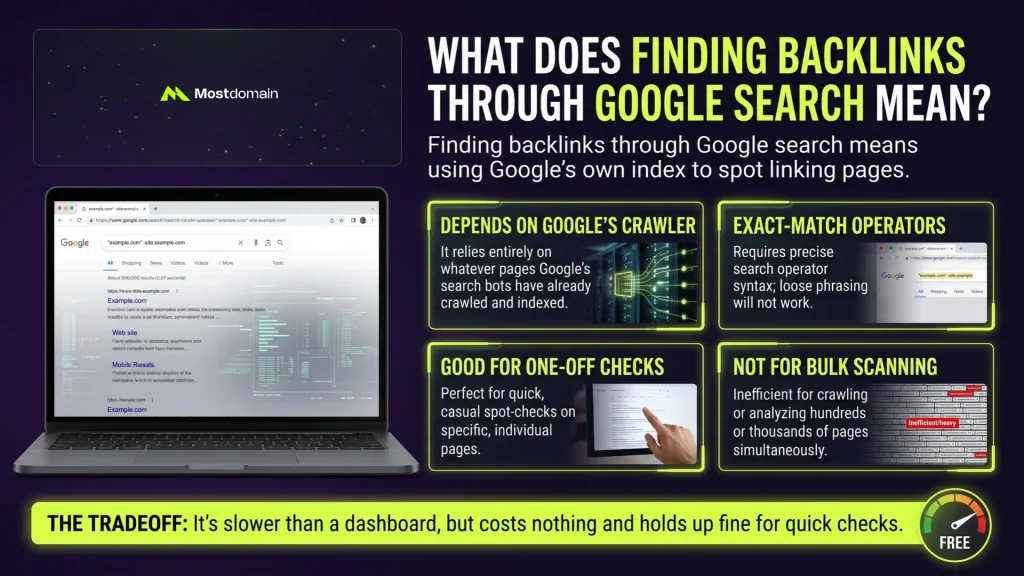
Finding backlinks through Google search means using Google’s own index to spot linking pages.
- Depends on whatever Google’s crawler already picked up
- Exact-match operators only, typing it loosely won’t work
- Good for one-off checks
- Not built for scanning hundreds of pages at once
It’s slower than a dashboard, honestly. Still, it costs nothing, and holds up fine for quick checks.
Which Google Search Operators Actually Find Backlinks?
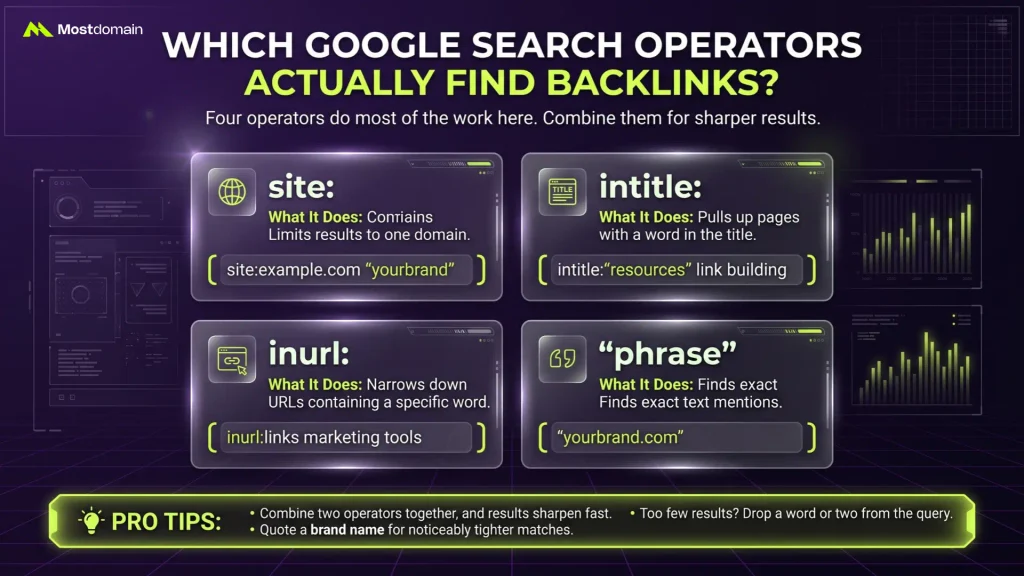
Four operators do most of the work here: site:, intitle:, inurl:, and quoted phrases.
| Operator | What It Does | Example Query |
| site: | Limits results to one domain | site:example.com “yourbrand” |
| intitle: | Pulls up pages that have a word in the title | intitle:”resources” link building |
| inurl: | Narrows down URLs containing a specific word | inurl:links marketing tools |
| “phrase” | Finds exact text mentions | “yourbrand.com” |
Combine two operators together, and results sharpen fast.
- Quote a brand name for noticeably tighter matches
- Too few results? Drop a word or two from the query
How Do You Find Your Own Site’s Backlinks With Google?
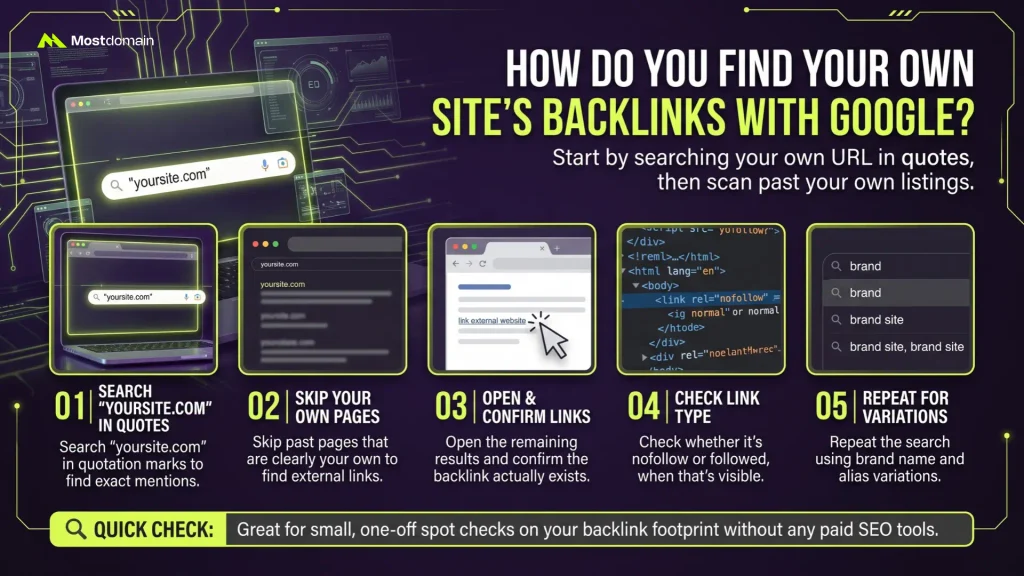
Start by searching your own URL in quotes, then scan past your own listings.

- Search “yoursite.com” in quotation marks
- Skip past pages that are clearly your own
- Open each remaining result and confirm the link
- Check whether it’s nofollow or followed, when that’s visible
- Repeat the search using brand name variations
How Do You Find a Competitor’s Backlinks With Google?
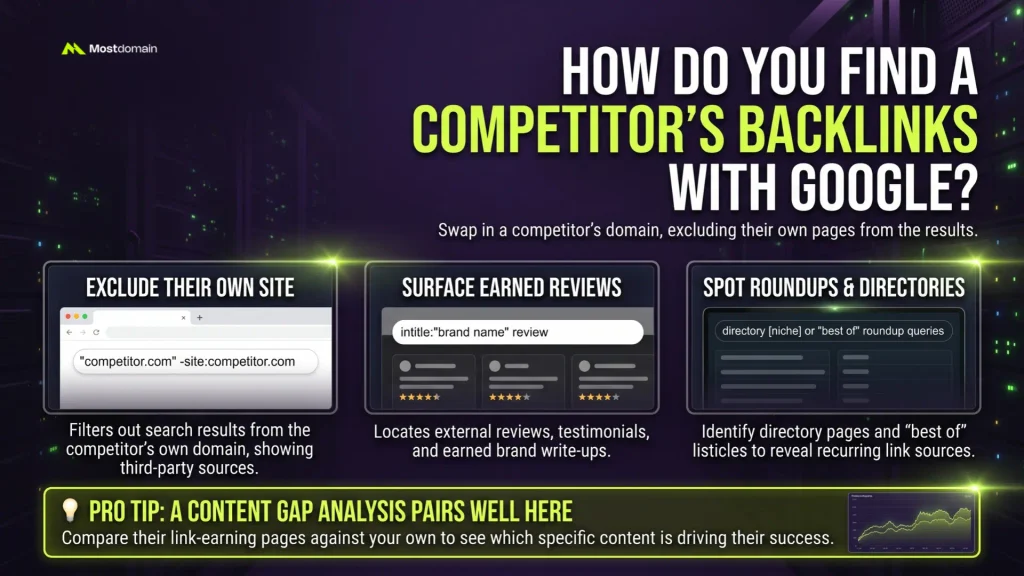
Swap in a competitor’s domain, excluding their own pages from the results.
- “competitor.com” -site:competitor.com filters out their own site
- intitle:”brand name” review surfaces reviews and earned write-ups
- Directory pages and “best of” roundups reveal recurring sources
A content gap analysis pairs well here, showing which content actually earned those links.
What Search Queries Surface New Link-Building Opportunities?
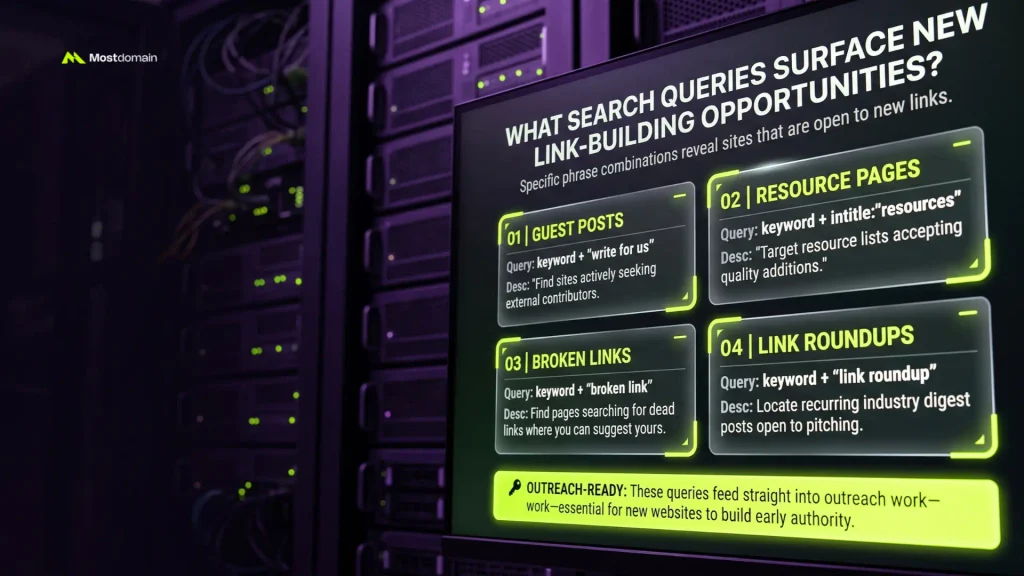
Specific phrase combinations reveal sites that are open to new links.



| Query Template | What It Finds |
| keyword + “write for us” | Guest post opportunities |
| keyword + intitle:”resources” | Resource pages accepting additions |
| keyword + “broken link” | Pages actively checking for broken links |
| keyword + “link roundup” | Recurring roundup posts to pitch |
These queries feed straight into outreach work. Link building for new websites often starts exactly here, before much else exists. Established players usually skip ahead to white hat link building techniques instead. And current link building strategies are worth a glance too, since tactics shift fast.
Where Does Manual Google Search Fall Short?
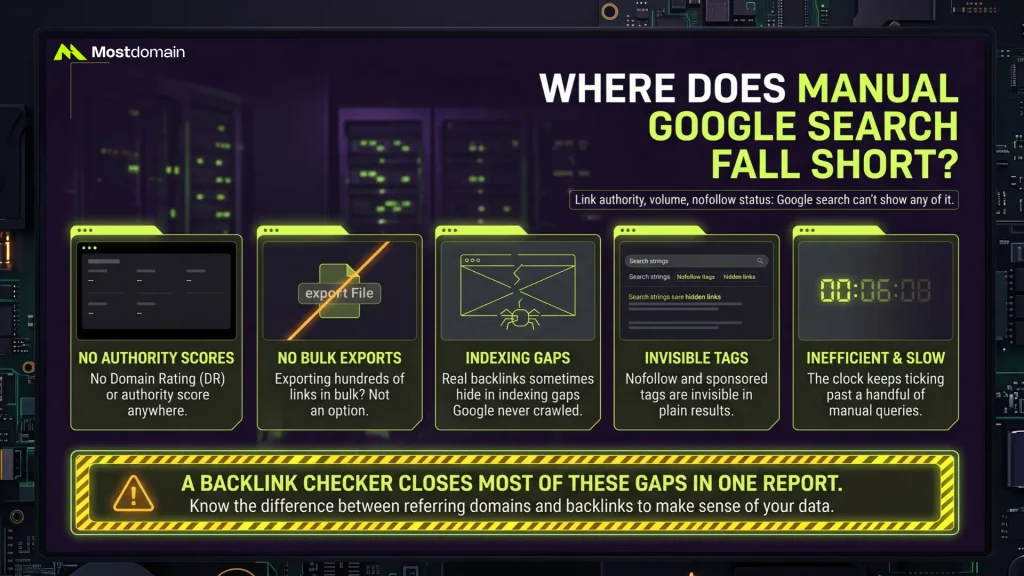
Link authority, volume, nofollow status: Google search can’t show any of it.
- No domain rating or authority score anywhere
- Exporting hundreds of links in bulk? Not an option
- Real backlinks sometimes hide in indexing gaps Google never crawled
- Nofollow and sponsored tags: invisible in plain results
- And the clock keeps ticking past a handful of queries
A backlink checker closes most of these gaps in one report. Knowing the difference between referring domains and backlinks also helps interpret that report. Worth knowing, too: what a referring domain actually means.
Manual Search or a Backlink Checker Tool, Which One?
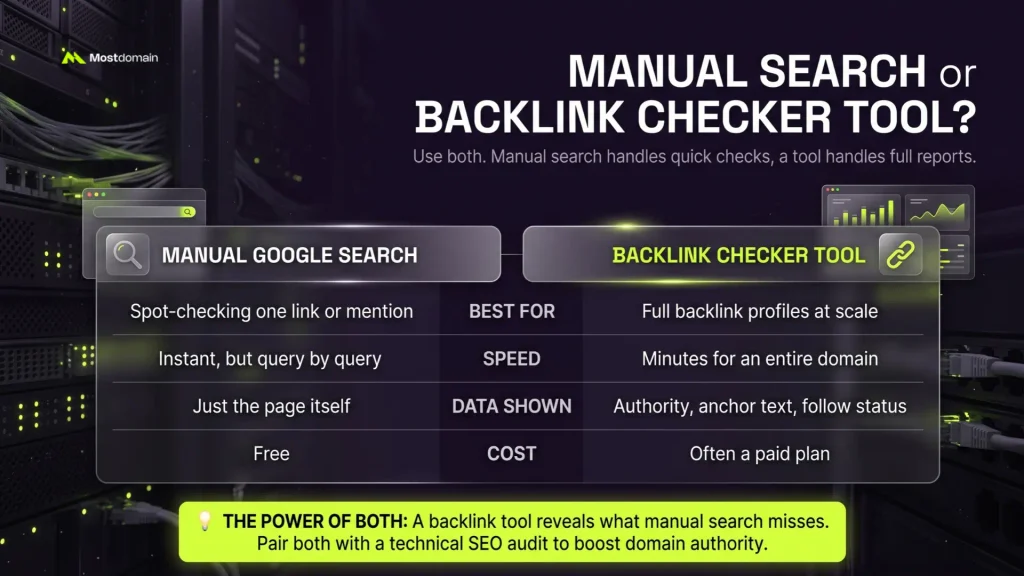
Use both. Manual search handles quick checks, a tool handles full reports.
| Manual Google Search | Backlink Checker Tool | |
| Best For | Spot-checking one link or mention | Full backlink profiles at scale |
| Speed | Instant, but query by query | Minutes for an entire domain |
| Data Shown | Just the page itself | Authority, anchor text, follow status |
| Cost | Free | Often a paid plan |
A free backlink checker tool picks up what search misses. Pair that with a technical SEO audit, and broken or orphaned links stop hiding. Do that long enough, and it feeds how to increase domain authority.
What Mistakes Derail a Manual Backlink Search?
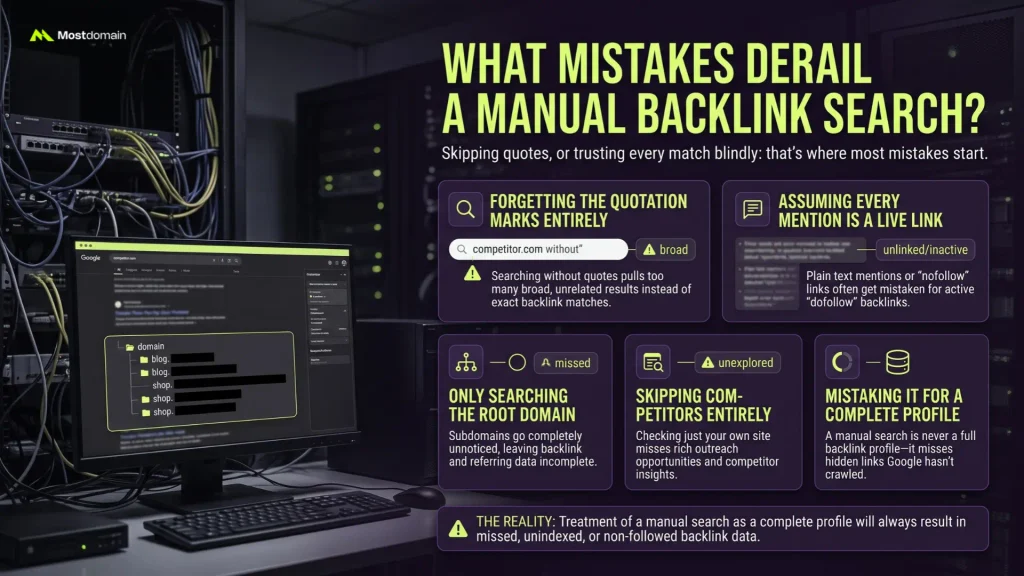
Skipping quotes, or trusting every match blindly: that’s where most mistakes start.
- Forgetting the quotation marks entirely
- Assuming every single mention is a live, followed link
- Only searching the root domain, so subdomains go unnoticed
- Skipping competitors altogether and checking just your own site
- Mistaking a manual search for a complete backlink profile, which it never is
FAQ
Can Google search really find backlinks?
Yes, within limits. Operators like site: and quoted phrases surface real backlinks. Coverage depends entirely on what Google has indexed.
Is this method free?
Completely free. No subscription, no sign-up, just Google’s own search bar.
Does the old link: operator still work?
Not reliably anymore. Google deprecated meaningful results from link: years ago. Quoted searches and site: work better today.
How accurate are the results?
Reasonably accurate for presence checks. Not accurate for authority, traffic, or nofollow status.
When should a backlink checker tool replace manual search?
Once link volume matters, replace it. Domain authority data also calls for a dedicated tool.
References
- Google Search Central, How Google Search Works
- Ahrefs, How to Find Backlinks Without a Backlink Checker
- Moz, Beginner’s Guide to Link Building
- Search Engine Journal, Advanced Google Search Operators Guide