Mostdomain – Short version: www names a spot. HTTPS protects the road to it. People lump them together because they both live in the same address bar. They’re not even close to the same thing.
What Does WWW Actually Mean?
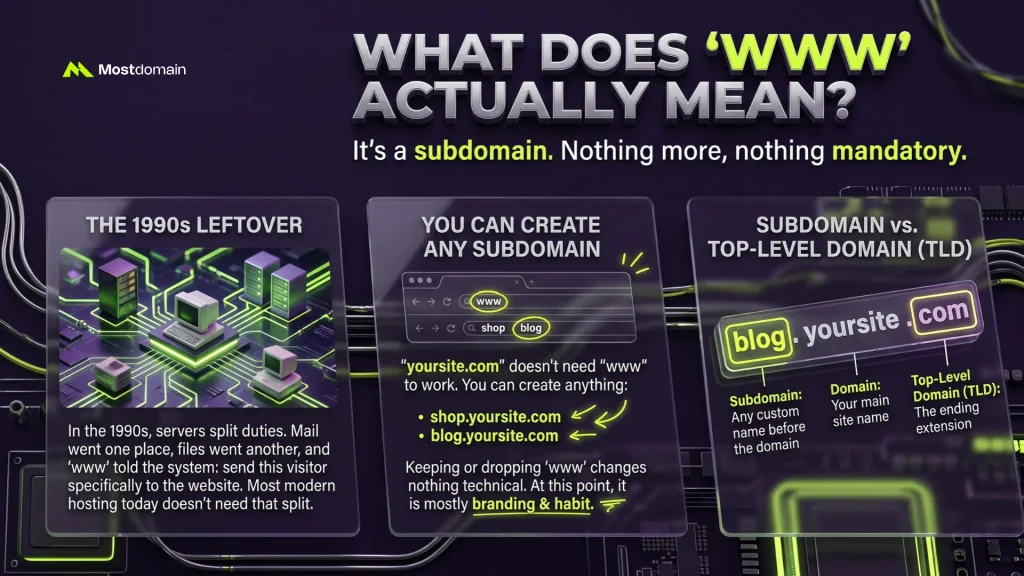
The letters stand for World Wide Web, a leftover from the 1990s internet. Back then, servers split duties. Mail went one place. Files went another. “www” told the system: send this visitor to the website specifically. Most hosting today doesn’t need that split anymore.
- You can create any subdomain, not just www.shop.yoursite.com, blog.yoursite.com, anything
- Keeping or dropping www changes nothing technical about how your site runs
- It’s branding and habit at this point, mostly
Want the bigger picture? Here’s how a subdomain differs from a top-level domain, laid out plainly.
What Does HTTPS Actually Mean?
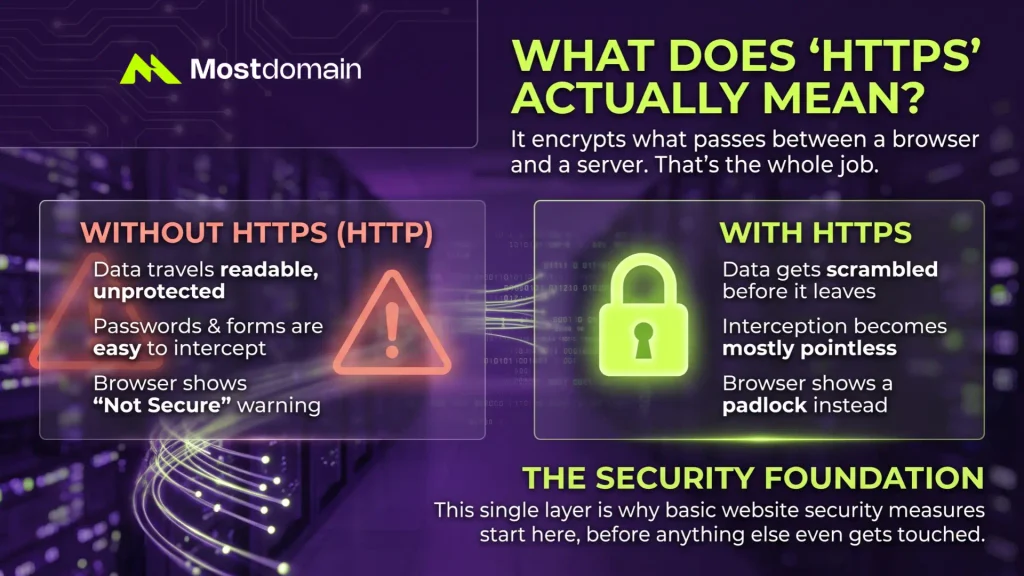
HTTPS encrypts what passes between a browser and a server. That’s the whole job.
No encryption means plain text. Anyone sniffing the same network could theoretically read it, passwords included. Not a fun thought.
| Without HTTPS (HTTP) | With HTTPS |
| Data travels readable, unprotected | Data gets scrambled before it leaves |
| Forms are easy to intercept | Interception becomes mostly pointless |
| Browser shows “Not Secure” | Browser shows a padlock instead |
This single layer is why basic website security measures start here, before anything else even gets touched.

WWW vs HTTPS: Side by Side
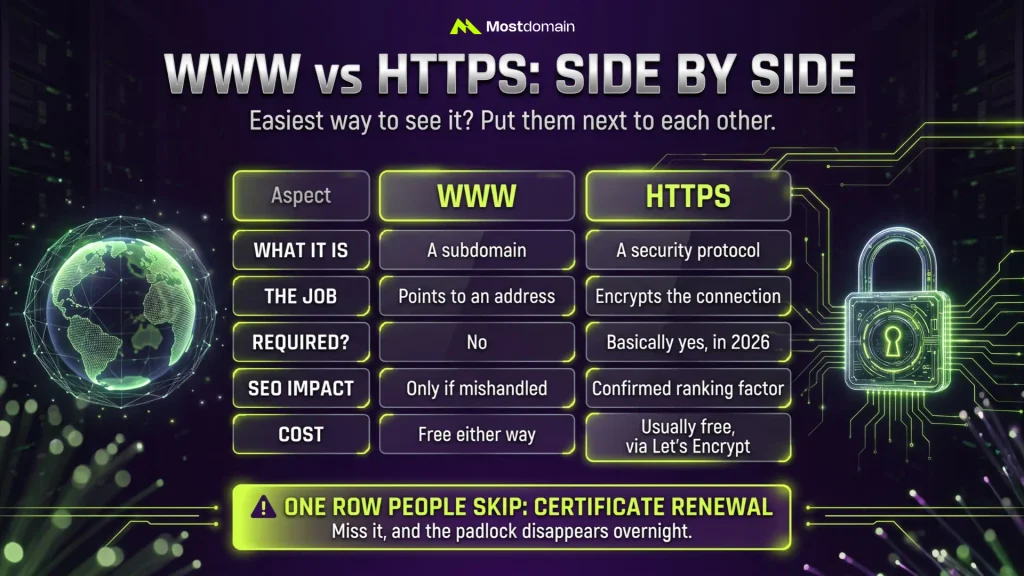
Easiest way to see it? Put them next to each other.
| Aspect | WWW | HTTPS |
| What it is | A subdomain | A security protocol |
| Job | Points to an address | Encrypts the connection |
| Required? | No | Basically yes, in 2026 |
| SEO impact | Only if mishandled | Confirmed ranking factor |
| Cost | Free either way | Usually free, via Let’s Encrypt |
One row people skip: certificate renewal. Miss it, and the padlock disappears overnight.
Why Do URLs Show Both Together?
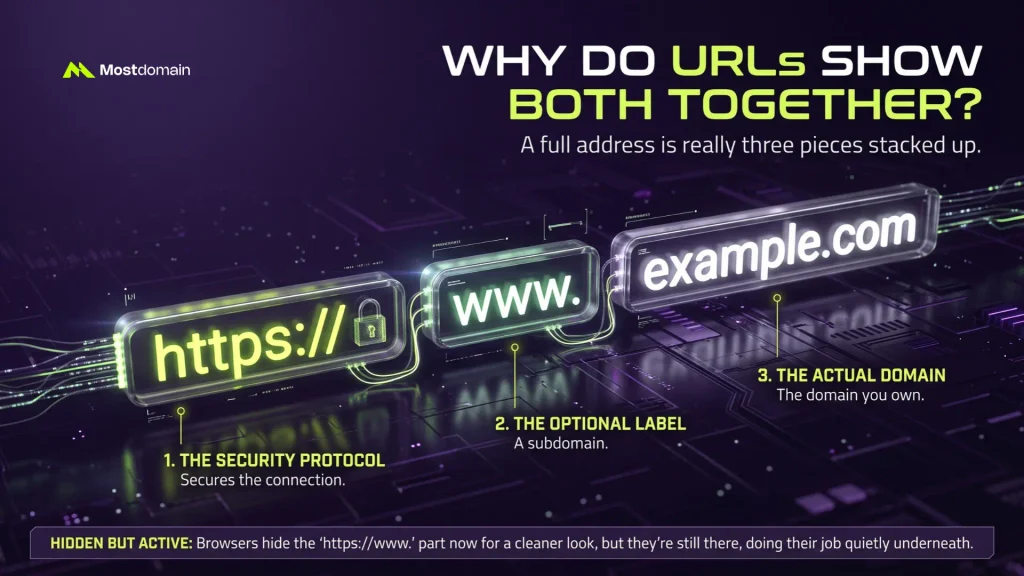
A full address is really three pieces stacked up. Nothing mystical about it.




- https:// — secures the connection
- www — the optional label
- example.com — the actual domain you own
Browsers hide the “https://www.” part now, mostly for a cleaner look. It’s still there, doing its job quietly underneath.
Should Your Website Use WWW or Not?
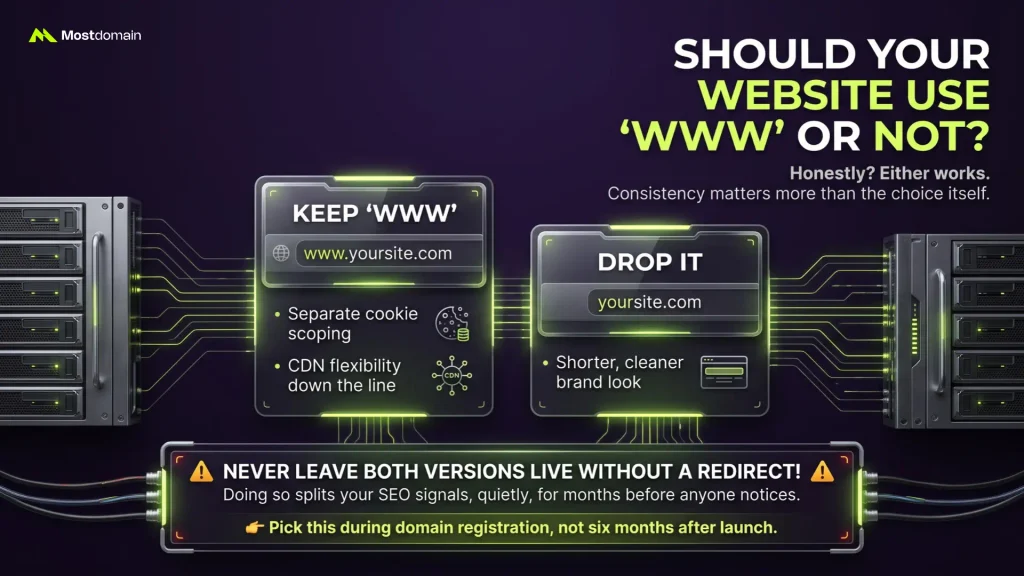
Honestly? Either works. Consistency matters more than the choice itself.
- Keep www for separate cookie scoping or CDN flexibility down the line
- Drop it for a shorter, cleaner brand look
- Never leave both versions live without redirecting one, that splits your SEO signals, quietly, for months before anyone notices
Pick this during domain registration, not six months after launch.
Is HTTPS Required for Every Website?
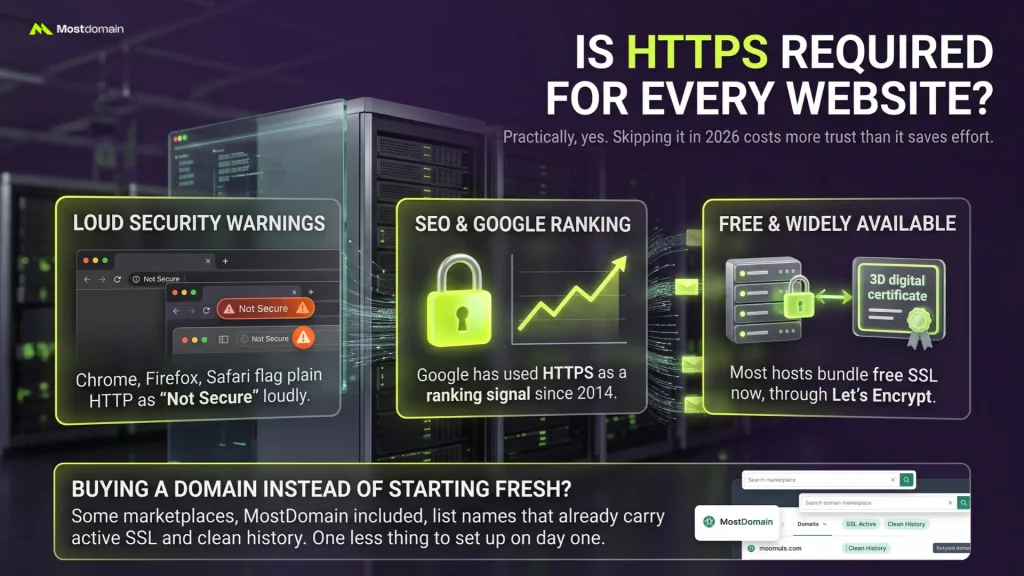
Practically, yes. Skipping it in 2026 costs more trust than it saves effort.
- Chrome, Firefox, and Safari all flag plain HTTP as unsafe, loudly
- Google’s used HTTPS as a ranking signal since 2014
- Most hosts bundle free SSL now, through Let’s Encrypt
Buying a domain instead of starting fresh? Some marketplaces, MostDomain included, list names that already carry active SSL and clean history. One less thing to set up on day one.
Do WWW and HTTPS Affect SEO?
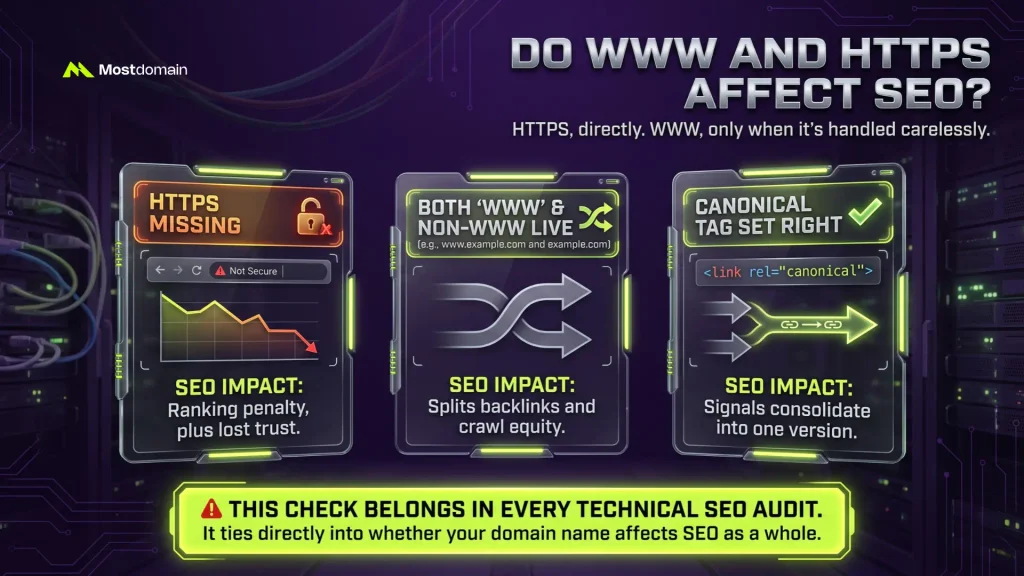
HTTPS, directly. WWW, only when it’s handled carelessly.
| Factor | SEO Impact |
| HTTPS missing | Ranking penalty, plus lost trust |
| Both www and non-www live | Splits backlinks and crawl equity |
| Canonical tag set right | Signals consolidate into one version |
This check belongs in every technical SEO audit. It ties directly into whether your domain name affects SEO as a whole.
What Mistakes Happen During a Switch?
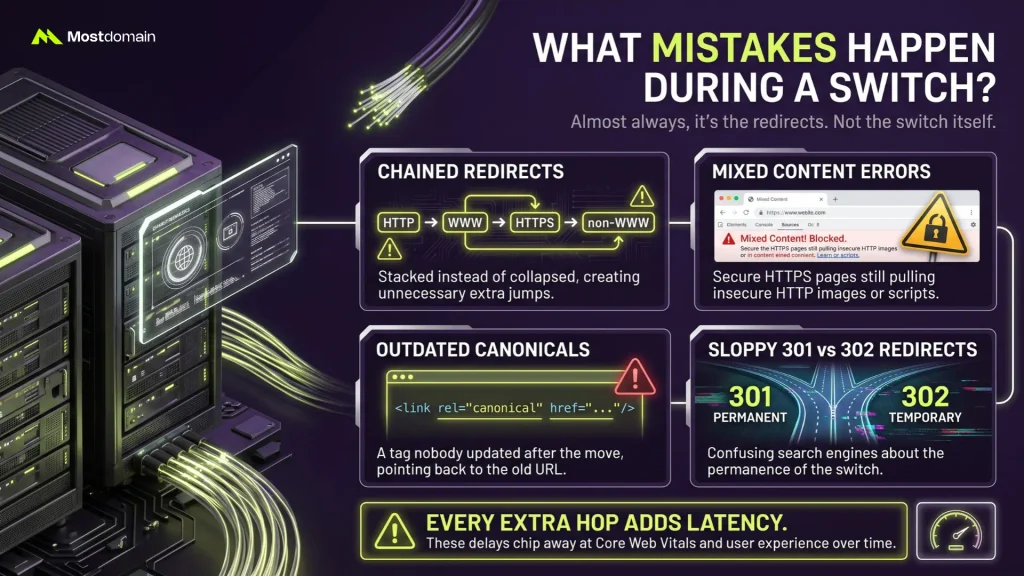
Almost always, it’s the redirects. Not the switch itself.
- Chained redirects — http to www to https to non-www — stacked instead of collapsed
- Mixed content errors, HTTPS pages still pulling HTTP images or scripts
- A canonical tag nobody updated after the move
- Sloppy 301 vs 302 redirects, which confuses search engines about permanence
Every extra hop adds latency. Small amounts, sure. They still chip at Core Web Vitals over time.
How Do You Check Your Own Setup?
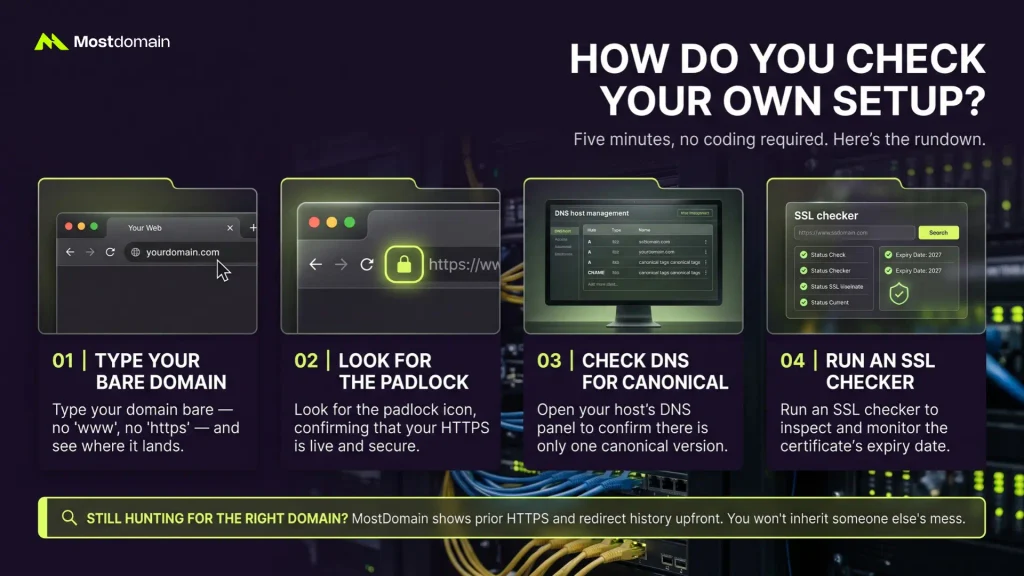
Five minutes, no coding required. Here’s the rundown.
- Type your domain bare — no www, no https — see where it lands
- Look for the padlock, confirming HTTPS is live
- Open your host’s DNS management panel, confirm one canonical version
- Run an SSL checker for the certificate’s expiry date
Still hunting for the right domain name? MostDomain shows prior HTTPS and redirect history upfront. You won’t inherit someone else’s mess.
FAQ
Is www part of my real domain name?
Not really. It sits on top, optional, nothing core about it.
Can I run HTTPS without www?
Sure can. HTTPS covers the whole domain either way.
Will dropping www break my email?
No, as long as redirects are set up right. Email runs on its own track.
Is an SSL certificate expensive?
Rarely these days. Most hosts throw in free SSL automatically.
Does switching to HTTPS tank rankings?
Maybe briefly. Clean redirects usually bounce it back within weeks.
Why doesn’t my browser show www or https anymore?
Chrome simplifies the display. Nothing’s missing, it’s just hidden.
Can I just buy a domain with SSL already set up?
Yes. MostDomain, among others, lists domains with SSL and clean redirects intact.
References
- Google Search Central, HTTPS as a Ranking Signal
- Mozilla Developer Network, What Is HTTPS?
- Cloudflare Learning Center, What Is a Subdomain?
- Let’s Encrypt, Getting Started With Free SSL
- W3C, Mixed Content Specification