Mostdomain – People say domain name when they mean URL all the time. Not quite the same thing, though. A domain name is only one slice of a URL. That gap confuses plenty of beginners, more than you’d expect. It shows up most during a first domain purchase. This article breaks down the real difference, piece by piece, with working examples throughout.
What Is a Domain Name?
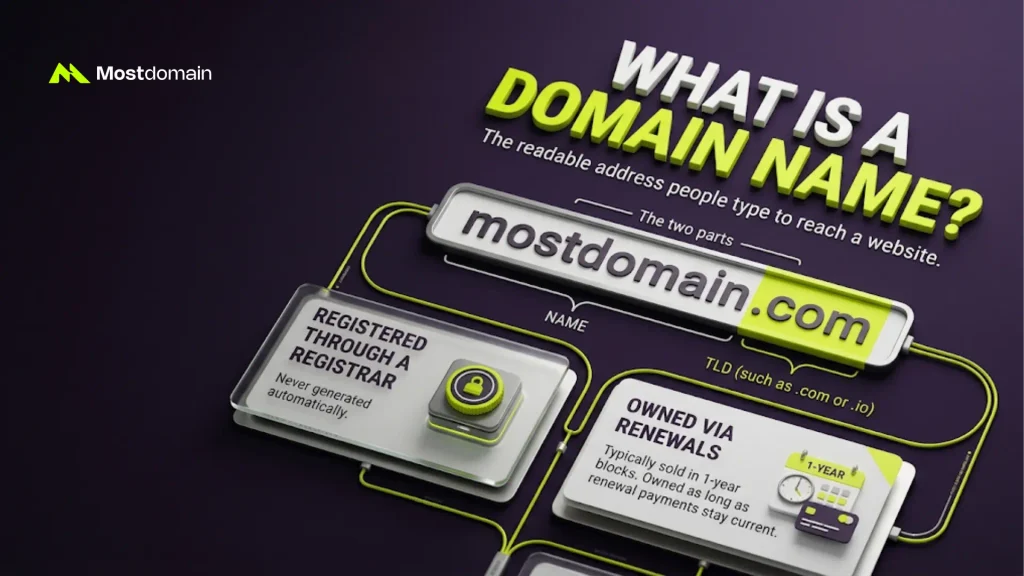
A domain name is the readable address people type to reach a site. mostdomain.com is one working example of that.
- Registered through a domain registrar, never generated automatically
- Made of two parts: a name, plus a TLD such as .com or .io
- Owned for as long as renewal payments stay current, nothing more
Registrars sell domains in one-year blocks, typically. For a deeper walkthrough of how domain names actually work, see this complete guide to domain names.
What Does a URL Actually Mean?
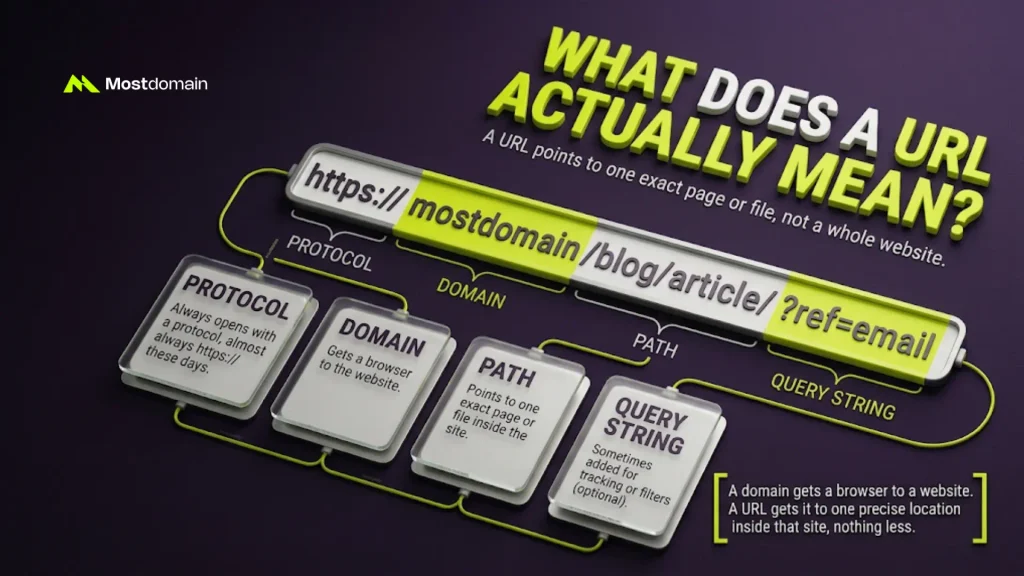
One exact page or file, that’s what a URL always points to. Not a whole website. One specific spot inside it.
- Always opens with a protocol, almost always https:// these days
- Often includes a path too, something like /blog/article-name/
- Sometimes tacks on a query string, ?ref=email for example, for tracking or filters
A domain name gets a browser to a website. A URL gets it to one precise location inside that site, nothing less.
URL vs Domain Name, Where the Line Actually Sits
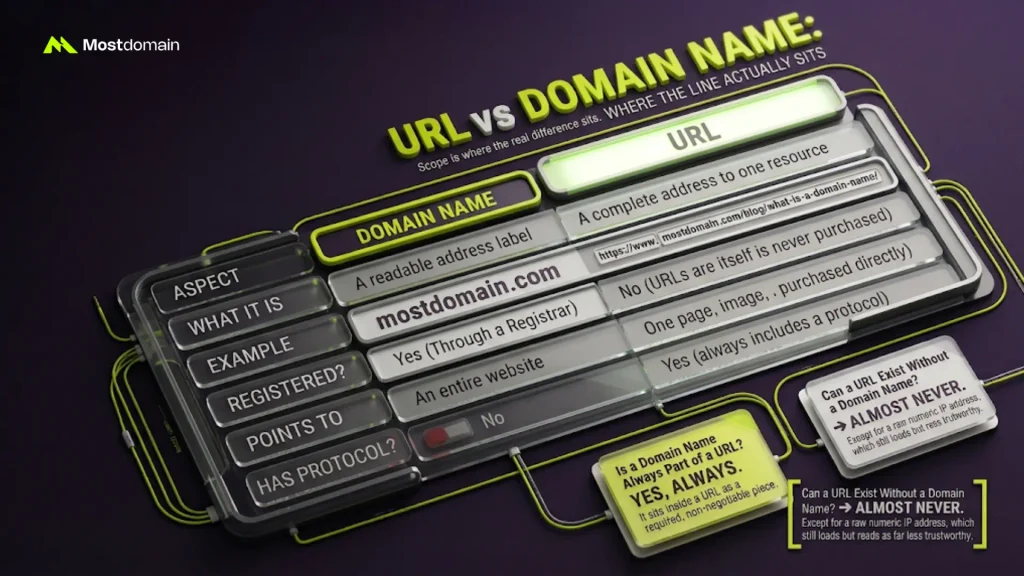
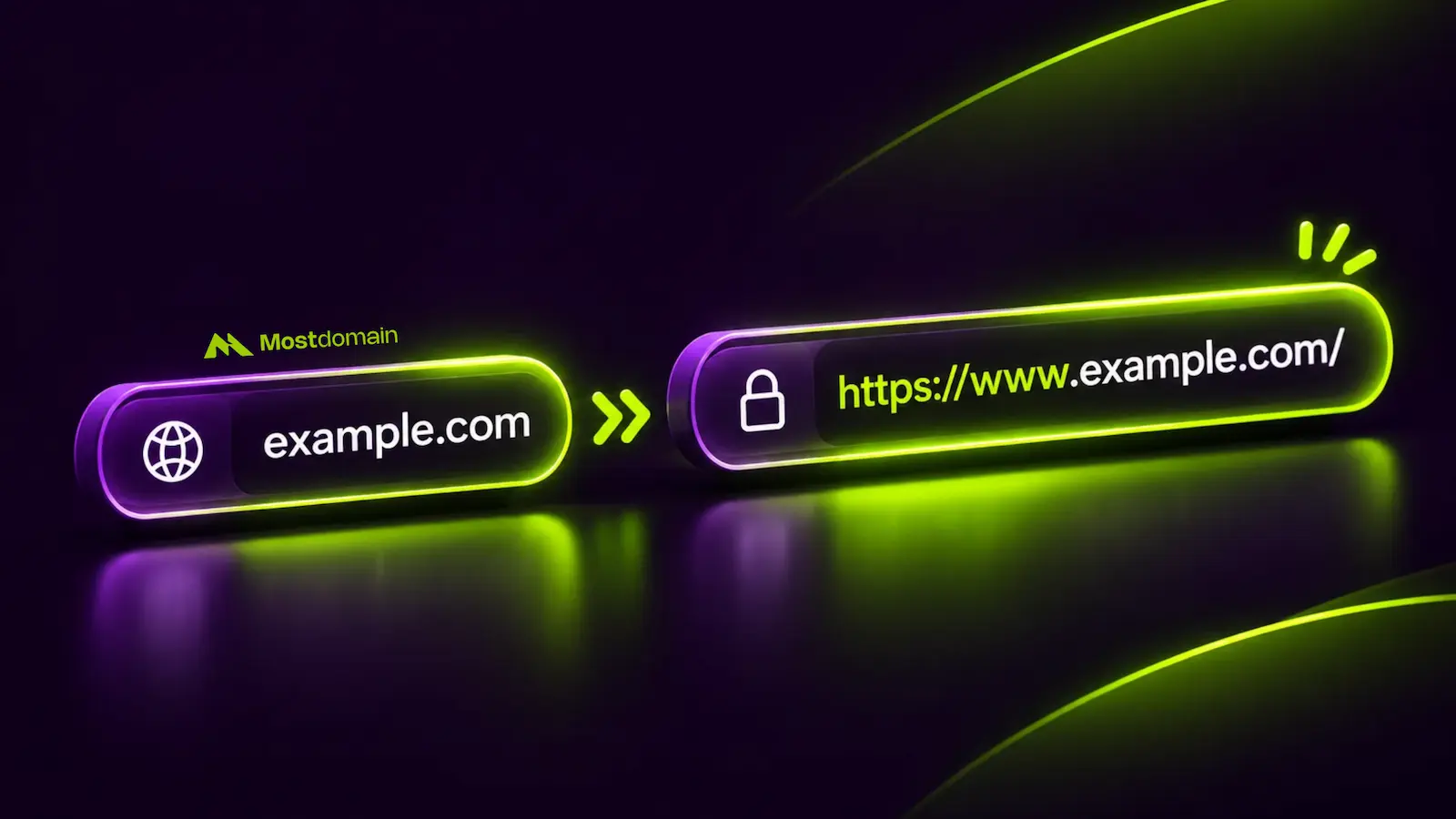
Scope is where the real difference sits. A domain name is just one piece of that. A URL is the full address built around it.

| Aspect | Domain Name | URL |
| What it is | A readable address label | A complete address to one resource |
| Example | mostdomain.com | https://www.mostdomain.com/blog/what-is-a-domain-name/ |
| Registered through a registrar | Yes | No, a URL itself is never purchased |
| Points to | An entire website | One page, image, or file |
| Always includes a protocol | No | Yes |
Is a Domain Name Always Part of a URL?
Yes, always, in any standard setup. A domain name sits inside a URL as a required, non-negotiable piece.
Can a URL Exist Without a Domain Name?
Almost always. The rare exception is a URL built on a raw numeric IP address, which still loads but reads as far less trustworthy.
Parts of a URL Explained
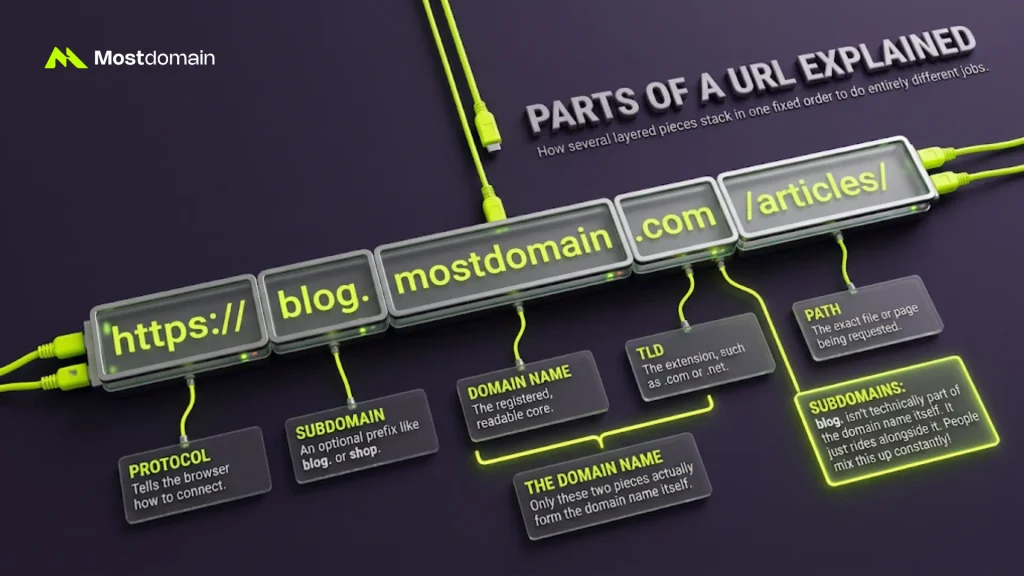
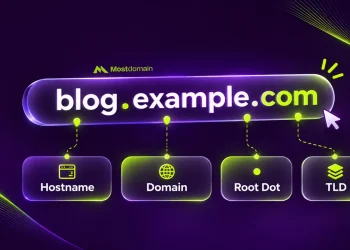
A URL is built from several layered parts, stacked in one fixed order. Each one does a different job entirely.




- Protocol: tells the browser how to connect. See the difference between www and https for more detail here.
- Subdomain: an optional prefix, like blog. or shop.
- Domain name: the registered, readable core
- Top-level domain: the extension attached right after it, .com or .net. See the guide to top-level domains vs subdomains for the full breakdown.
- Path: the exact file or page being requested
- Query string: optional, extra parameters tacked on the end
Domain Name Structure Within a URL
Take https://blog.mostdomain.com/articles/ as a working example below. Only two of those pieces actually form the domain name itself.
| URL Part | Value in This Example |
| Protocol | https:// |
| Subdomain | blog |
| Domain name | mostdomain |
| TLD | .com |
| Path | /articles/ |
Technically, the subdomain isn’t part of the domain name itself. It just rides alongside it. People mix this up constantly.
Website Address vs Domain Name vs URL, Untangled

Daily conversation treats these three terms as synonyms. Technically, they aren’t quite equal.
- Website address is the casual, spoken version of a domain name
- Domain name is the precise, registered term for that label
- URL is always the fuller, technical version, protocol and path included
How Browsers Use This Difference
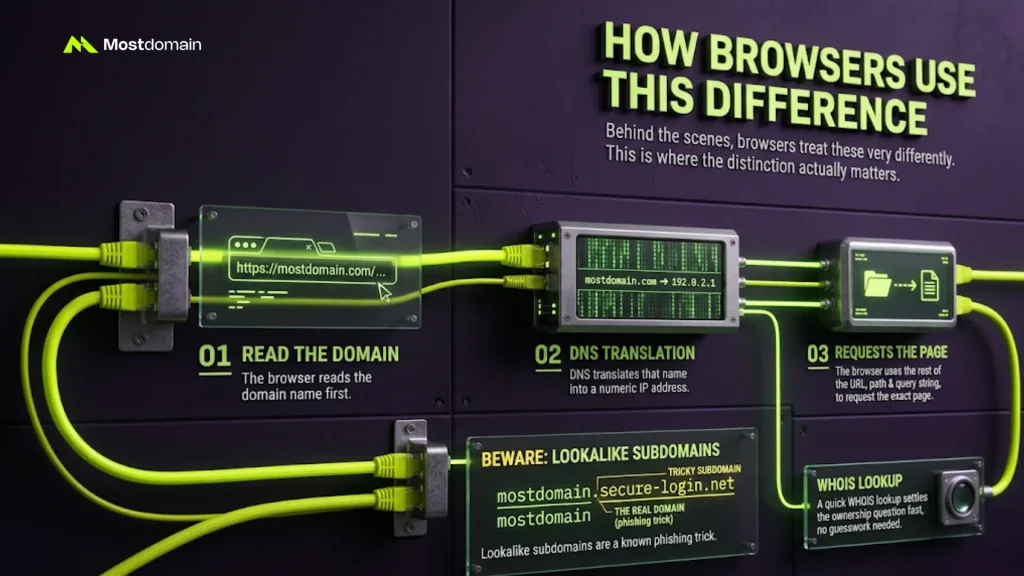
Behind the scenes, browsers treat these two very differently. This is where the distinction actually matters, not just in theory.
- The browser reads the domain name first
- DNS translates that name into a numeric IP address
- The browser uses the rest of the URL, path and query string, to request the exact page
- Lookalike subdomains, such as mostdomain.secure-login.net, are a known phishing trick
That detail matters more than it looks. In that fake example, secure-login.net is the real domain name, not mostdomain.com. A quick WHOIS lookup settles the ownership question fast, no guesswork needed.
Why This Difference Matters Once You’re Actually Buying

Buying a domain gets you the name itself, nothing else. A full URL isn’t part of that deal. First-time buyers run into this gap constantly.
- Registrars sell domain names and their TLDs, nothing past that line
- Paths, subdomains, and query strings get added later, for free, through your site or host
- A common mistake: expecting to “buy” one specific page’s full web address
Starting from zero? This step-by-step guide to registering a domain name walks through the actual purchase.
FAQ
Is a URL the same as a domain name?
Not quite, no. A URL covers the full address. A domain name is only a slice of it.
What’s the simplest way to remember the difference?
Picture a house against a full mailing address, room number included. The domain name is the house.
Do multiple URLs ever share a single domain name?
All the time, yes. Every page on a site shares one domain, each with its own unique URL.
If a URL path changes, does the domain name change too?
Nope, not even slightly. Paths and query strings shift freely. The domain name underneath stays exactly fixed.
Why do some URLs skip the “www” part?
Because www is only a subdomain, and it’s optional. Plenty of sites redirect it away entirely.
References
- MDN Web Docs, What is a URL?
- ICANN, Beginner’s Guide to Domain Names
- Cloudflare, What is a URL (Uniform Resource Locator)?
- Cloudflare, URL vs Domain: What’s the Difference?