
Mostdomain – Nobody trusts a gmail address for business these days. Not really. A domain-based email fixes that in well under an hour, no developer required. This piece covers the free route, the paid route, and the messy bits between.
What Is a Custom Domain Email Address?
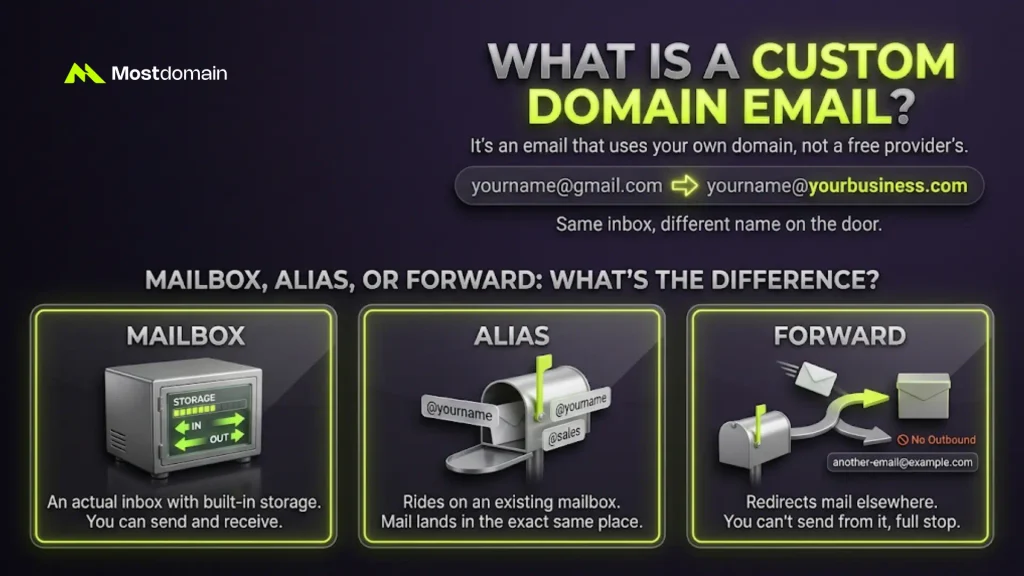
Simple: it’s an email that uses your own domain, not a free provider’s. [email protected] becomes [email protected]. Same inbox, different name on the door.
The tech underneath barely changes. IMAP, POP3, SMTP, all the usual suspects. Only the bit after the @ symbol is new. And that’s the bit people actually notice.
Mailbox, Alias, or Forward: What’s the Difference?
People mix these three up constantly, and honestly, who can blame them.
- Mailbox — an actual inbox, with storage, sending and receiving built in
- Alias — rides on an existing mailbox, mail just lands in the same place
- Forward — redirects mail elsewhere, you can’t send from it, full stop
Most “free custom email” tools are really just forwarding in disguise. A real business setup wants an actual mailbox.
Why Set Up Email With Your Own Domain?
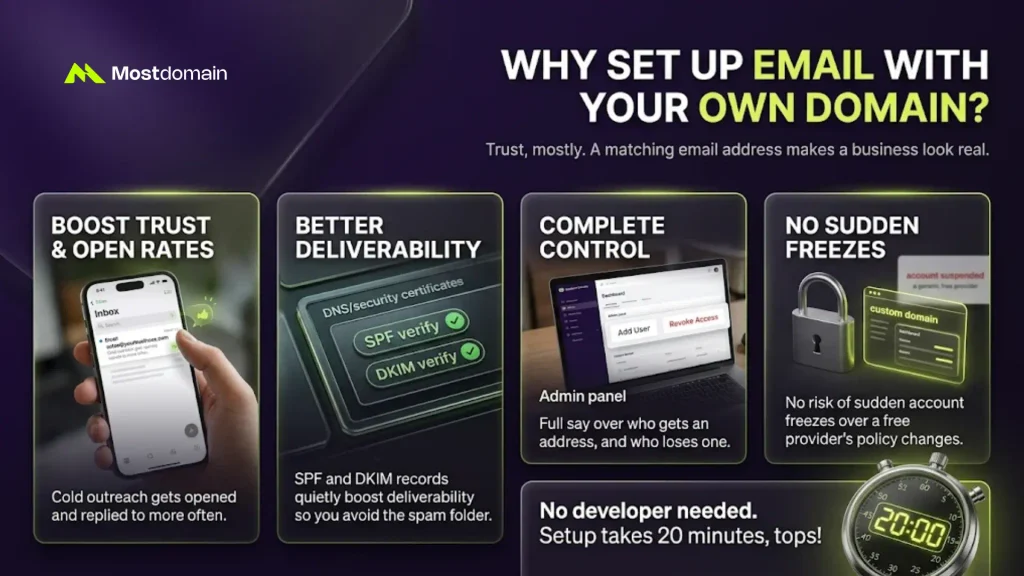
Trust, mostly. A matching email address makes a business look real.

- Cold outreach gets opened, and replied to, more often
- SPF and DKIM records quietly boost deliverability too
- Full say over who gets an address, and who loses one
- No sudden account freeze over some free provider’s policy change
None of this needs a developer. Maybe twenty minutes, tops. It traces back to why a business needs its own domain name, really.
What You Need Before You Start
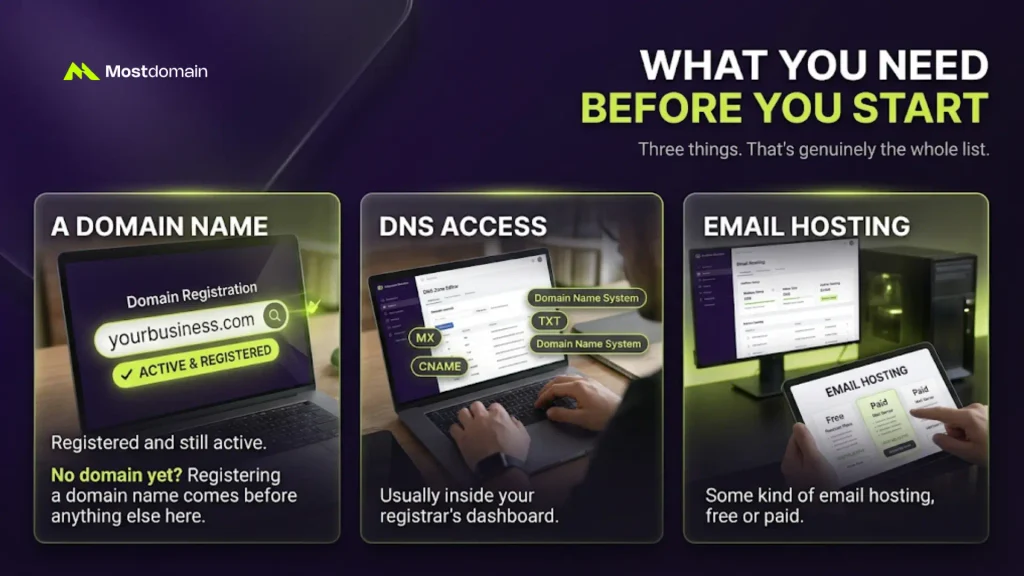
Three things. That’s genuinely the whole list.
- A domain name, registered and still active
- DNS access, usually inside the registrar’s dashboard
- Some kind of email hosting, free or paid
No domain yet? Registering a domain name comes before anything else here.




How to Create an Email Address With Your Domain Name, Step by Step
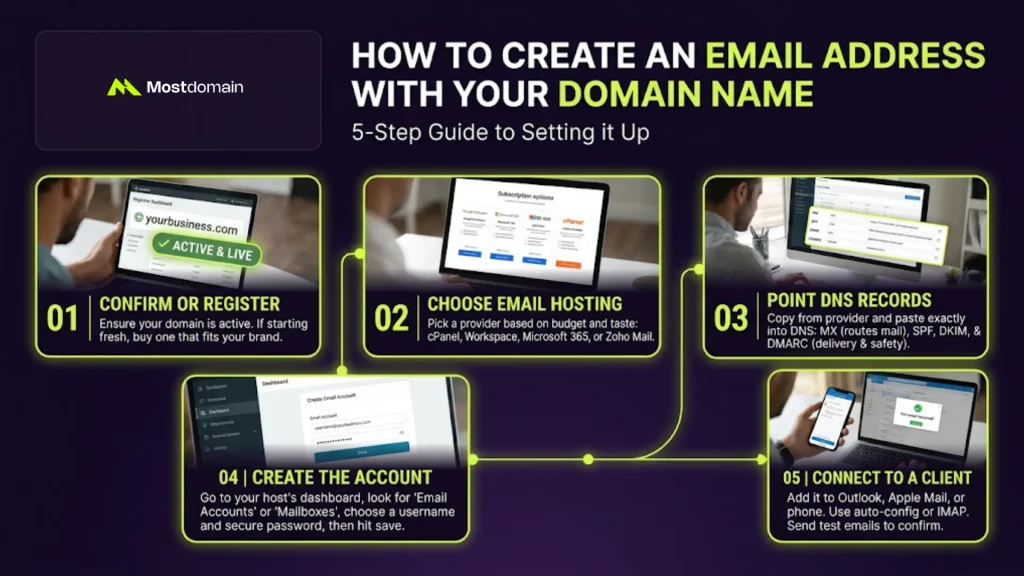
Five steps, give or take, depending on who’s hosting.
Step 1: Confirm or Register the Domain
Nothing else here works without a domain first.
- Already got one? Make sure it’s live, not parked somewhere
- Starting fresh? Pick something that actually fits the brand
- Fuzzy on hosting versus domain? The difference between domain and hosting clears it up
Step 2: Choose an Email Hosting Provider
This part comes down to budget, mostly, and personal taste.
- cPanel-style hosting, like Hostinger or Bluehost, usually bundles it in already
- Google Workspace, for the Gmail crowd, paid only
- Microsoft 365, if Outlook’s already the daily driver
- Zoho Mail, free for small teams, scales up when needed
Step 3: Point DNS Records to the Provider
Here’s the part that trips most people up.
Four records, usually. Nothing exotic, just a little tedious.
| Record | Purpose | Required? |
|---|---|---|
| MX | Routes incoming mail to the right server | Yes, always |
| SPF | Confirms which servers can send mail for the domain | Strongly recommended |
| DKIM | Signs outgoing mail to prove it wasn’t altered | Strongly recommended |
| DMARC | Tells inboxes what to do if SPF or DKIM fail | Recommended |
Most providers spit these out automatically. Paste them into DNS management exactly as given, no edits.
Step 4: Create the Email Account
This bit happens inside the dashboard, finally the easy part.
- Hunt down “Email Accounts” or “Mailboxes,” worded differently everywhere
- Pick a username, then a password that isn’t “password123”
- Set a storage limit, hit save, done
Step 5: Connect the Address to a Client
A mailbox with no client attached is just sitting there, unused.
- Add it to Outlook, Apple Mail, or whatever’s already on the phone
- Let auto-configuration or IMAP setup do the heavy lifting
- Fire off one test email each direction, just to be sure
How to Create an Email With a Custom Domain for Free
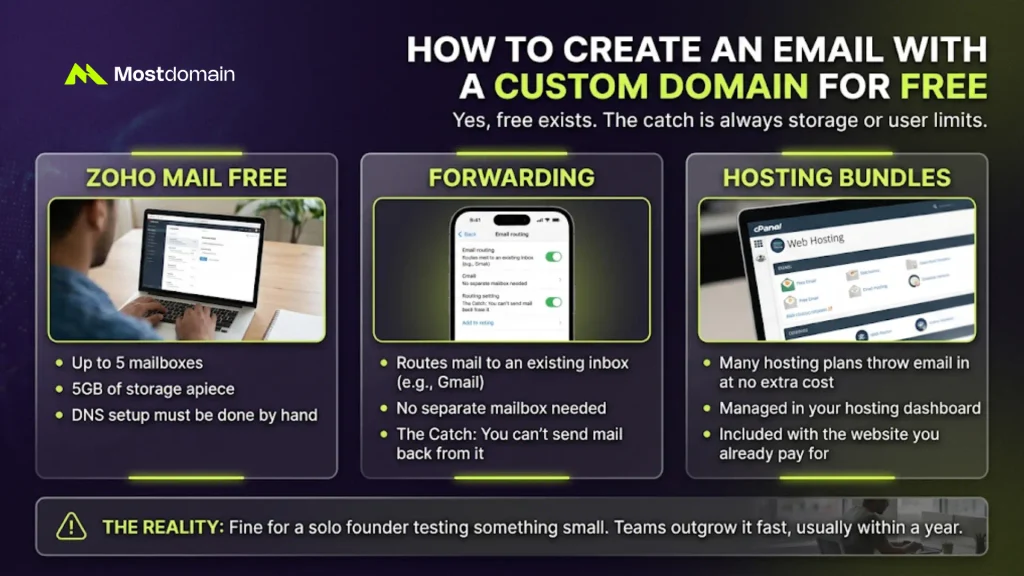
Yes, free exists. The catch is always storage or user limits.
- Zoho Mail Free — five mailboxes, 5GB apiece, DNS setup done by hand
- Forwarding — routes mail to an existing Gmail inbox, sending back isn’t possible
- Hosting bundles — plenty of cPanel plans throw email in at no extra cost
Fine for a solo founder testing something small. Teams outgrow it fast, usually within a year.
How Long Does DNS Propagation Take?
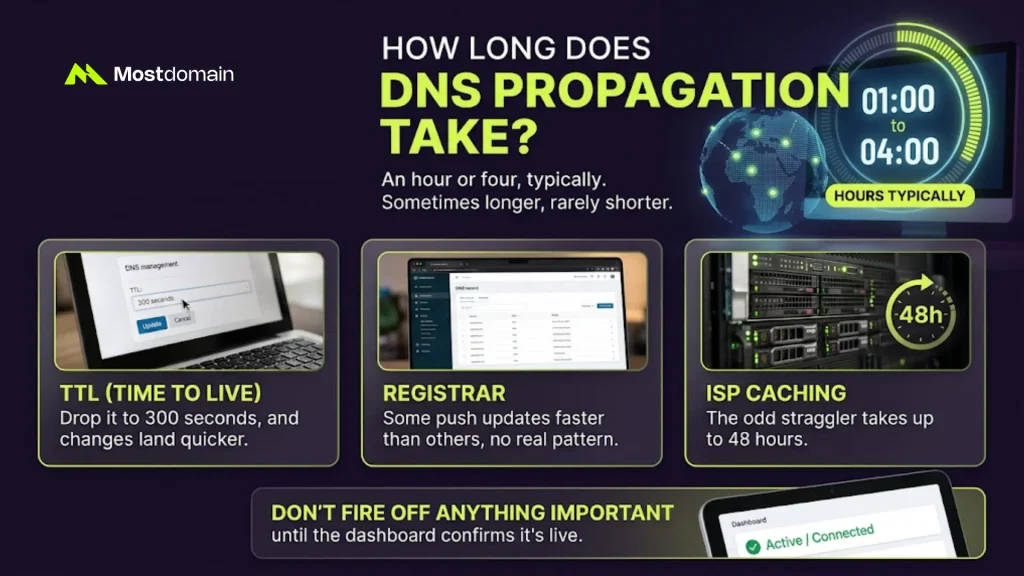
An hour or four, typically. Sometimes longer, rarely shorter.
- TTL — drop it to 300 seconds, and changes land quicker
- Registrar — some push updates faster than others, no real pattern
- ISP caching — the odd straggler takes up to 48 hours
Don’t fire off anything important until the dashboard confirms it’s live.
Common Problems When Setting Up a Custom Domain Email
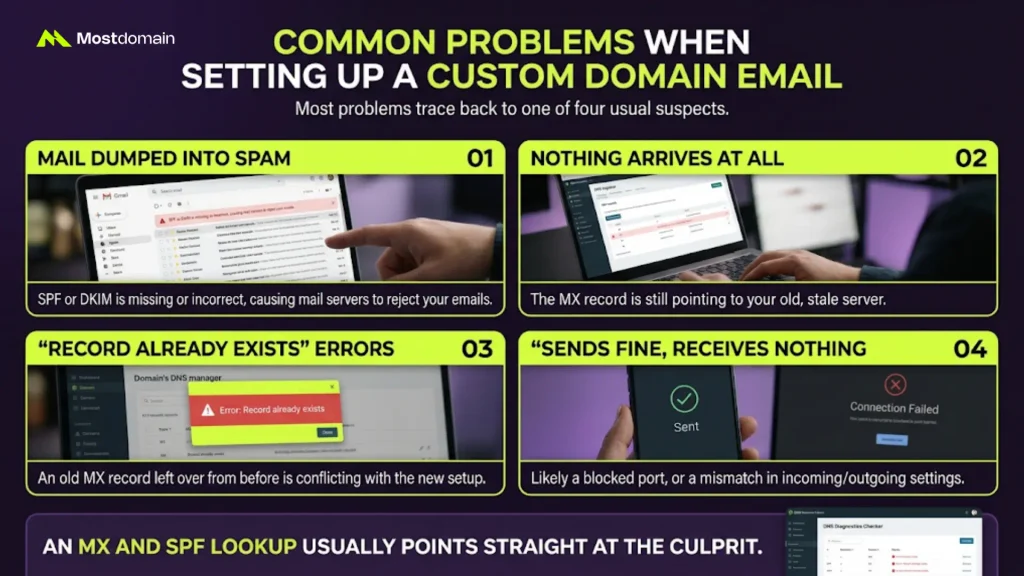
Most problems trace back to one of four usual suspects.
- Mail dumped into spam — SPF or DKIM, missing or just wrong
- Nothing arrives at all — MX record still pointing somewhere stale
- “Record already exists” errors — an old MX left over from before
- Sends fine, receives nothing (or the reverse) — a blocked port, probably
An MX and SPF lookup usually points straight at the culprit.
How Much Does a Custom Domain Email Cost?
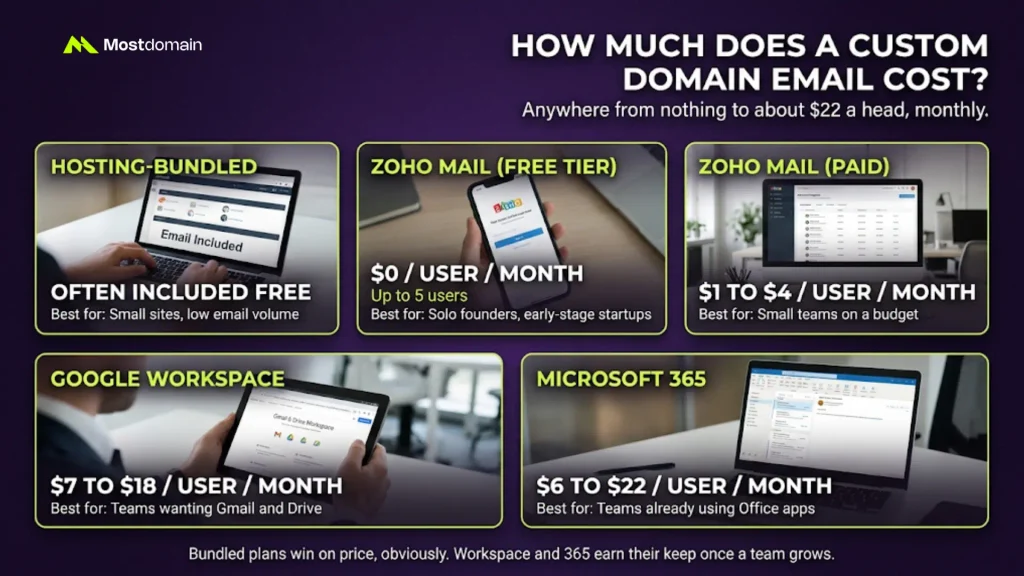
Anywhere from nothing to about $22 a head, monthly.
| Provider Type | Typical Cost | Best For |
|---|---|---|
| Hosting-bundled email | Often included free | Small sites, low email volume |
| Zoho Mail (free tier) | $0 for up to 5 users | Solo founders, early-stage startups |
| Zoho Mail (paid) | $1 to $4/user/month | Small teams on a budget |
| Google Workspace | $7 to $18/user/month | Teams wanting Gmail and Drive |
| Microsoft 365 | $6 to $22/user/month | Teams already using Office apps |
Bundled plans win on price, obviously. Workspace and 365 earn their keep once a team grows.
Choosing the Right Provider for Your Domain
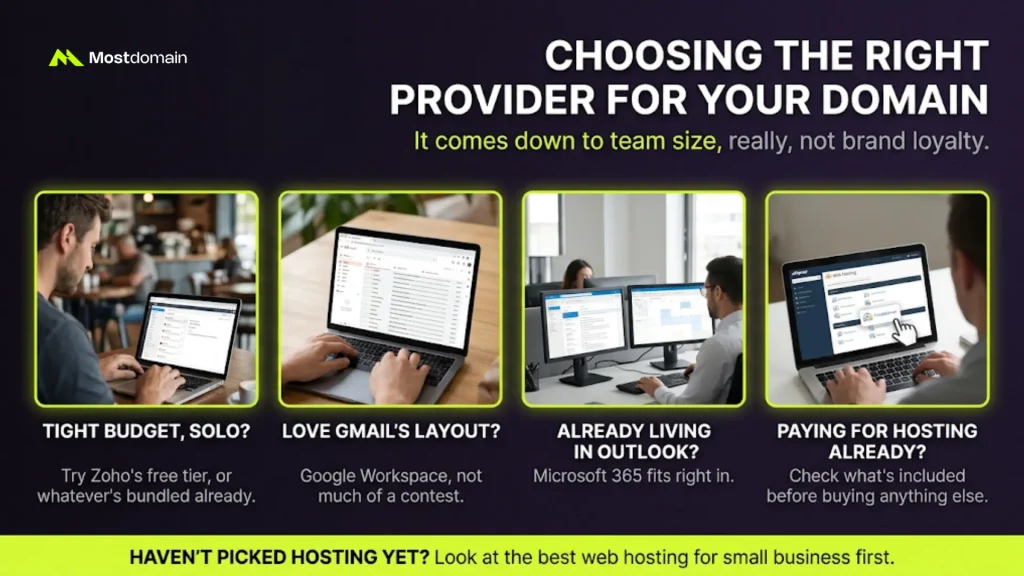
It comes down to team size, really, not brand loyalty.
- Tight budget, solo? Zoho’s free tier, or whatever’s bundled already
- Love Gmail’s layout? Google Workspace, not much of a contest
- Already living in Outlook? Microsoft 365 fits right in
- Paying for hosting already? Check what’s included before buying anything else
Haven’t picked hosting yet? Look at the best web hosting for small business first.
FAQ
Can I create an email address without buying hosting?
Yep. Email-only plans exist on their own, separate from website hosting.
Is a custom domain email free forever?
Zoho’s free tier sticks around for up to five users. Most others bill monthly.
How many email addresses can one domain have?
Basically unlimited, though some hosting plans quietly cap it anyway.
Does a custom domain email improve deliverability?
It can, once SPF, DKIM, and DMARC are set up right.
Do I need a website for this to work?
Nope. A domain plus hosting is plenty. No website required.
References
- Hostinger, How to Create an Email Address With Your Domain Name
- Bluehost, How to Create an Email With Your Domain: Step by Step Guide
- HostPapa, How to Create a Business Email With Your Own Domain
- G2 Learn Hub, Custom Email Address Guide
- GoDaddy, How to Create an Email Address With Your Domain Name