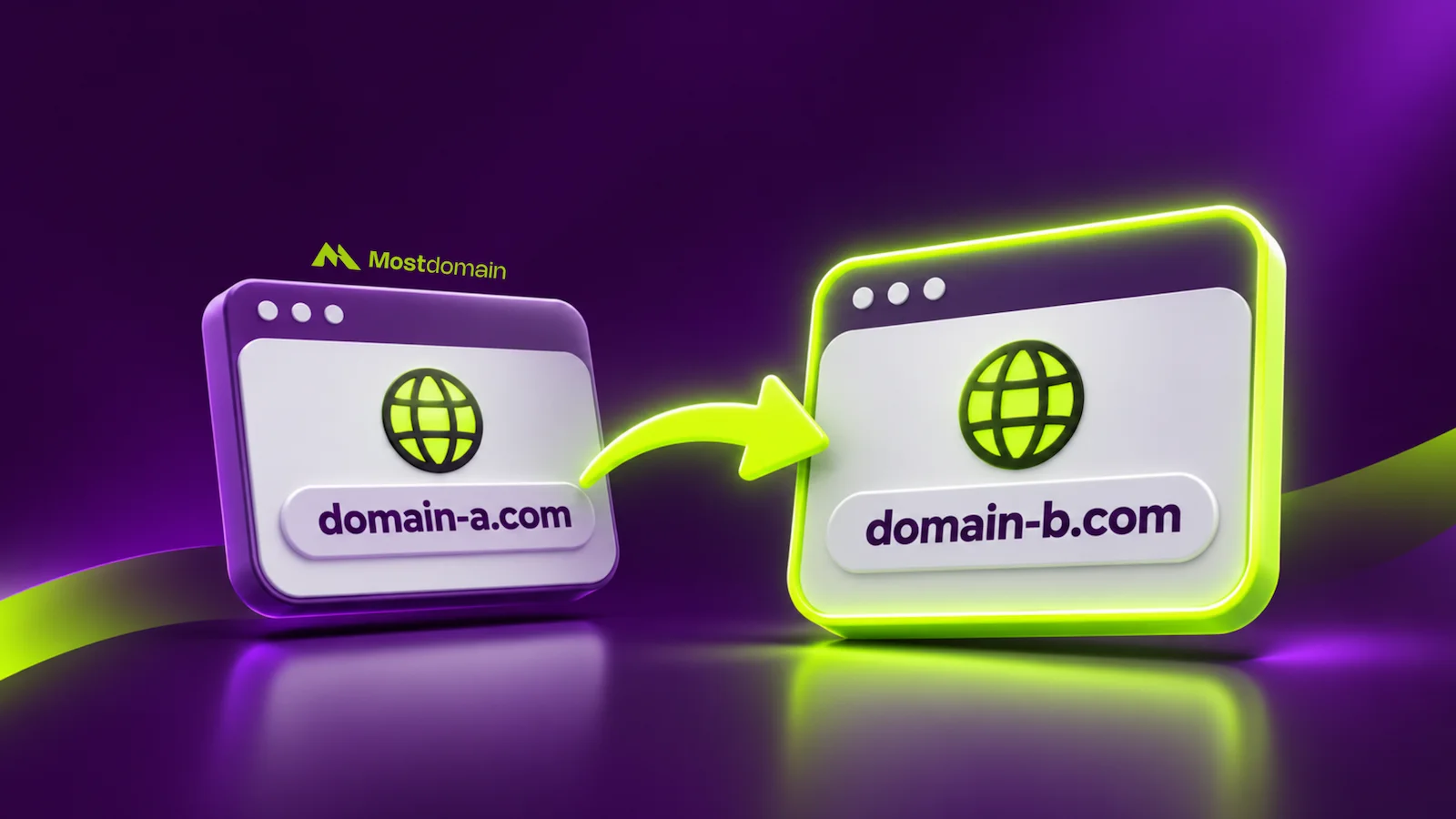
Mostdomain – Domain forwarding points one domain straight at another, automatically. No clicking required once it’s set up. It’s a quiet trick that keeps traffic moving the right way. Picture someone typing an old brand name and still landing correctly. This guide covers what domain forwarding means and how it works. We’ll also separate it from redirects, parking, and a few lookalike terms.
What Is Domain Forwarding?
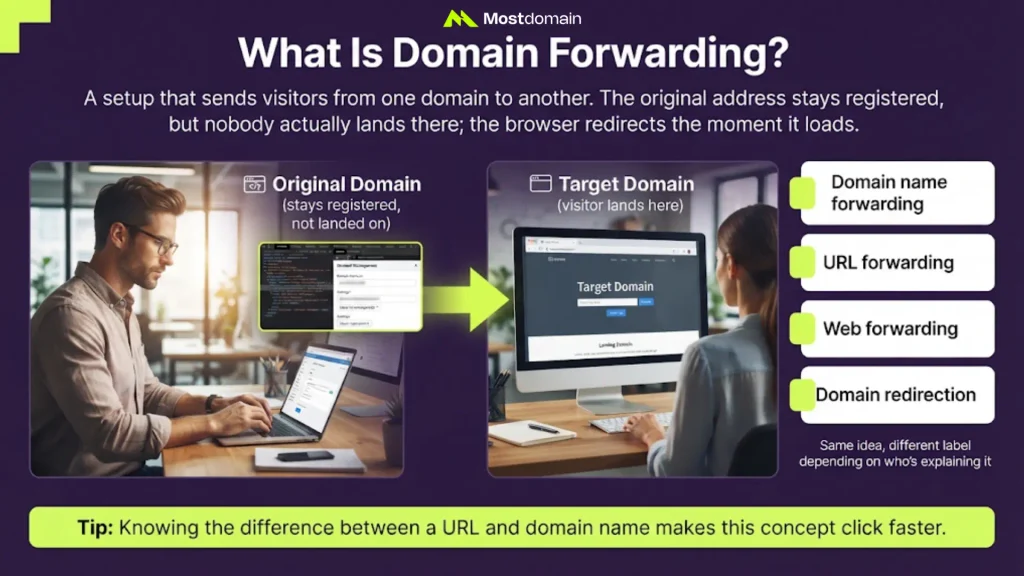
Domain forwarding is a setup that sends visitors from one domain to another. The original address stays registered, but nobody actually lands there. Your browser gets redirected the moment it loads.
Domain forwarding goes by several near-identical names:
- Domain name forwarding
- URL forwarding
- Web forwarding
- Domain redirection
Same idea, different label depending on who’s explaining it. Knowing the difference between a URL and domain name makes this concept click faster.
How Does Domain Forwarding Work?
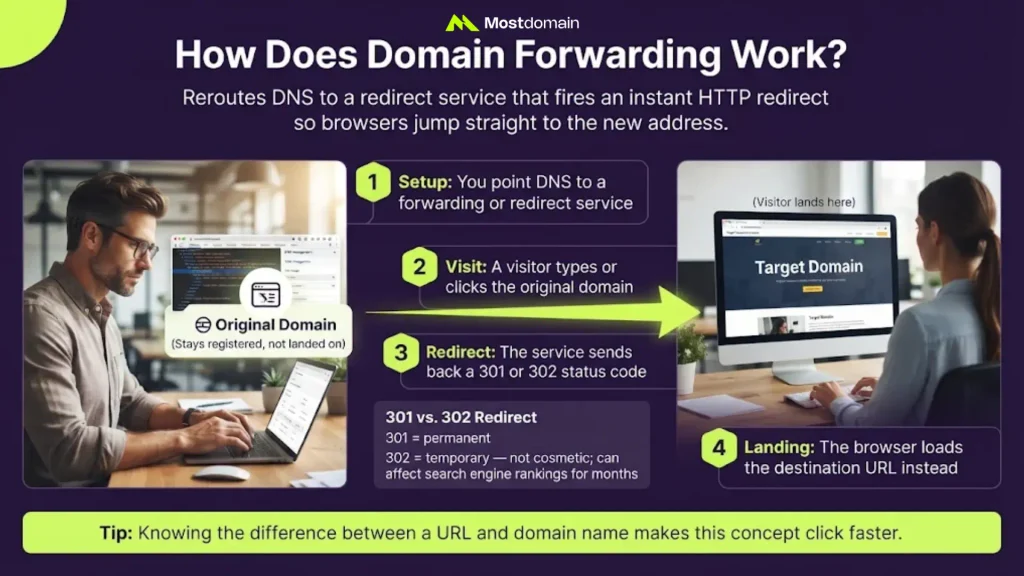
Domain forwarding works by rerouting a domain’s DNS to a redirect service. That service waits for a visit, then fires an HTTP redirect instantly. Browsers read it and jump straight to the new address.
| Step | What Happens |
|---|---|
| 1. Setup | You point DNS to a forwarding or redirect service |
| 2. Visit | A visitor types or clicks the original domain |
| 3. Redirect | The service sends back a 301 or 302 status code |
| 4. Landing | The browser loads the destination URL instead |
Picking 301 over 302 changes how search engines treat the move. The choice between a 301 vs 302 redirect isn’t cosmetic. A 301 says permanent; a 302 says temporary. That one setting can affect rankings for months.

Domain Forwarding Examples and Use Cases
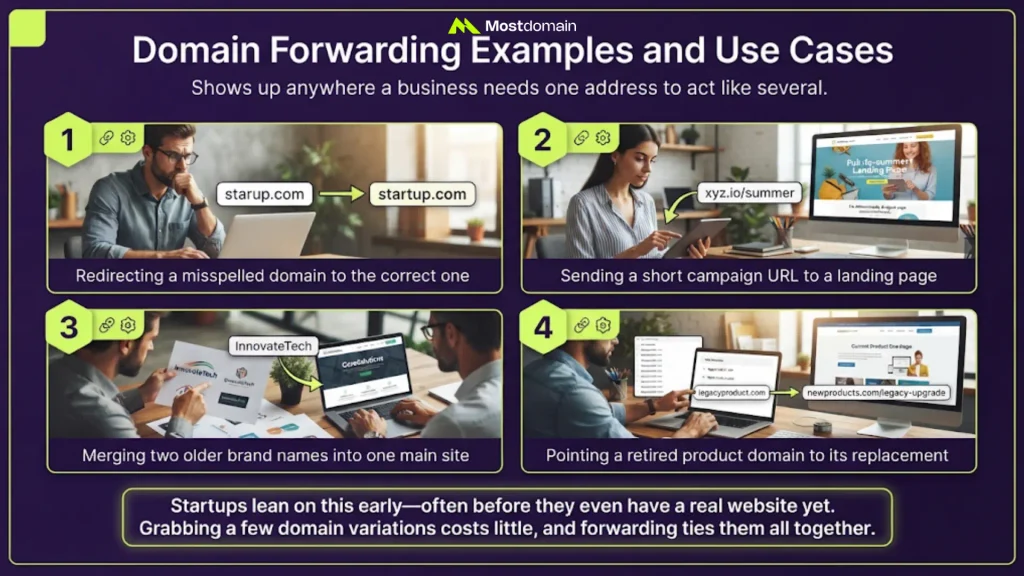
Domain forwarding shows up anywhere a business needs one address to act like several. A few everyday examples:
- Redirecting a misspelled domain to the correct one
- Sending a short campaign URL to a landing page
- Merging two older brand names into one main site
- Pointing a retired product domain to its replacement
Startups lean on this early, often before they even have a real website yet. Grabbing a few domain variations costs little. Forwarding ties them all together.
Benefits of Domain Forwarding
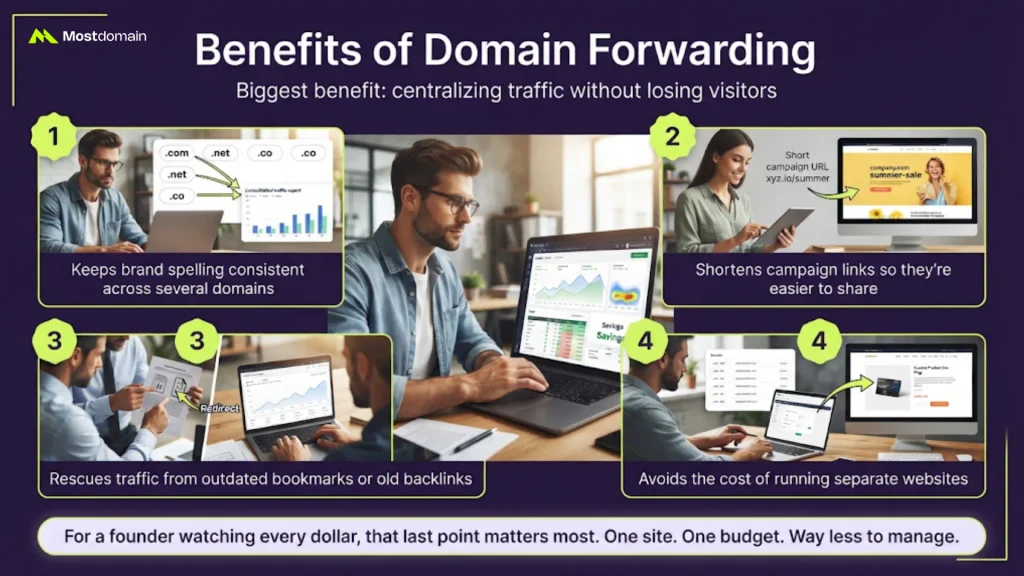
The biggest benefit of domain forwarding is centralizing traffic without losing visitors. A few practical wins follow from that:




- Keeps brand spelling consistent across several domains
- Shortens campaign links so they’re easier to share
- Rescues traffic from outdated bookmarks or old backlinks
- Avoids the cost of running separate websites
For a founder watching every dollar, that last point matters most. One site. One budget. Way less to manage.
Domain Forwarding vs. Other Domain Concepts
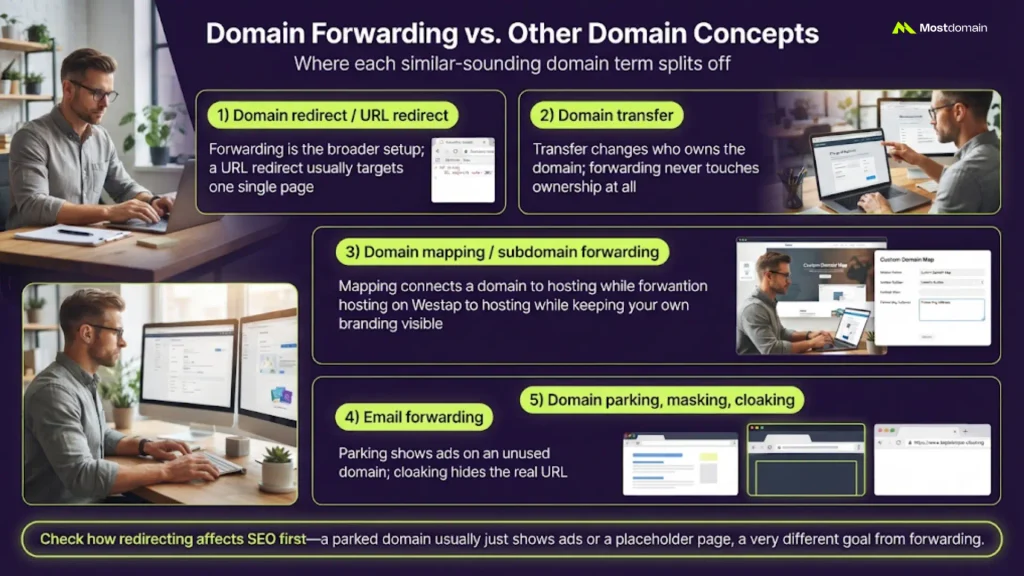
Domain forwarding gets confused with several similar-sounding domain terms. Here’s where each one actually splits off.
| Term | How It’s Different |
|---|---|
| Domain redirect / URL redirect | Forwarding is the broader setup; a URL redirect usually targets one single page |
| Domain transfer | Transfer changes who owns the domain; forwarding never touches ownership at all |
| Domain mapping / subdomain forwarding | Mapping connects a domain to hosting while keeping your own branding visible |
| Email forwarding | Reroutes messages, not website visitors, despite the similar name |
| Domain parking, masking, cloaking | Parking shows ads on an unused domain; cloaking hides the real URL |
How redirecting affects SEO is worth checking before picking between these. A parked domain, for instance, usually just displays ads or a placeholder page. That’s a different goal than forwarding entirely.
How to Set Up Domain Forwarding
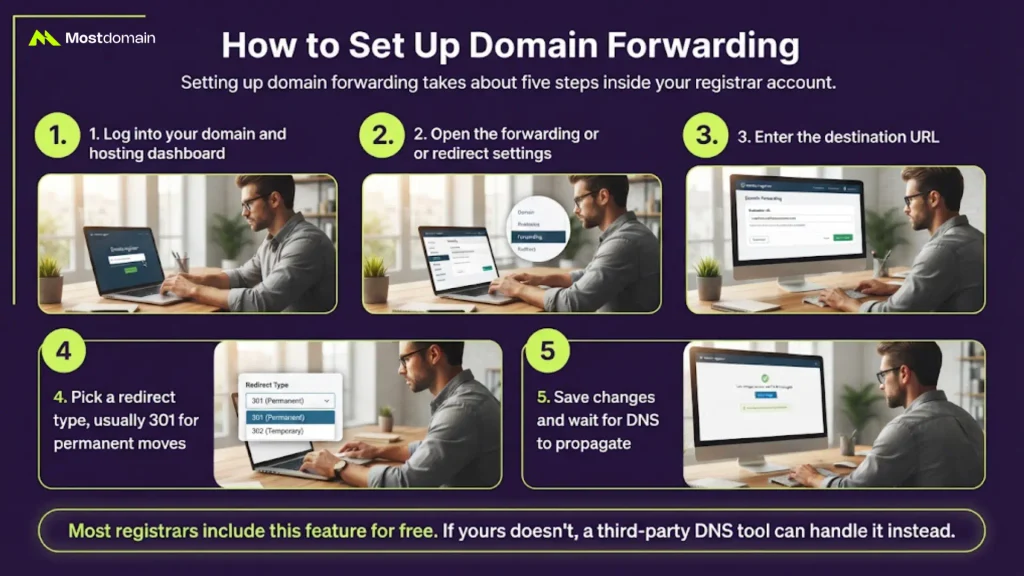
Setting up domain forwarding takes about five steps inside your registrar account.
- Log into your domain and hosting dashboard
- Open the forwarding or redirect settings
- Enter the destination URL
- Pick a redirect type, usually 301 for permanent moves
- Save changes and wait for DNS to propagate
Most registrars include this feature for free. If yours doesn’t, a third-party DNS tool can handle it instead.
Is Domain Forwarding Right for You?
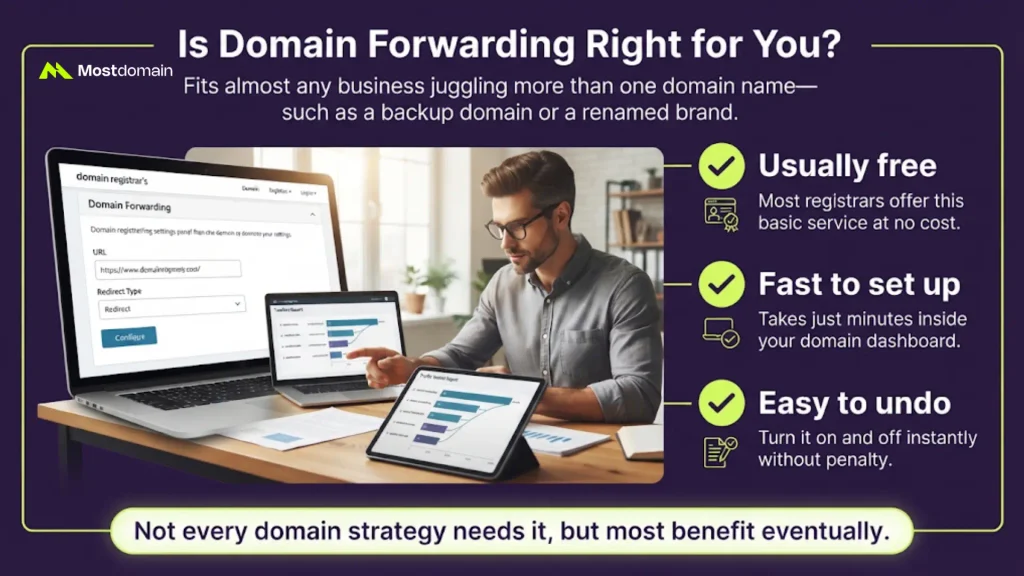
Domain forwarding fits almost any business juggling more than one domain name. If you own a backup domain or a renamed brand, this helps. It’s usually free, fast to set up, and easy to undo. Not every domain strategy needs it, but most benefit eventually.
FAQ
Is domain forwarding free?
Most registrars throw in basic forwarding at no extra cost.
Does domain forwarding hurt SEO?
Not if it’s set up correctly with the right redirect type.
Can you forward a domain to an HTTPS site?
Yes, though you may need a matching SSL certificate first.
What’s the real difference between forwarding and redirecting?
Forwarding usually covers a whole domain; redirecting often targets one page.
How long does domain forwarding take to activate?
DNS changes typically finish propagating within a few hours.
References
- ICANN, Beginner’s Guide to Domain Names
- Google Search Central, Redirects and Google Search