
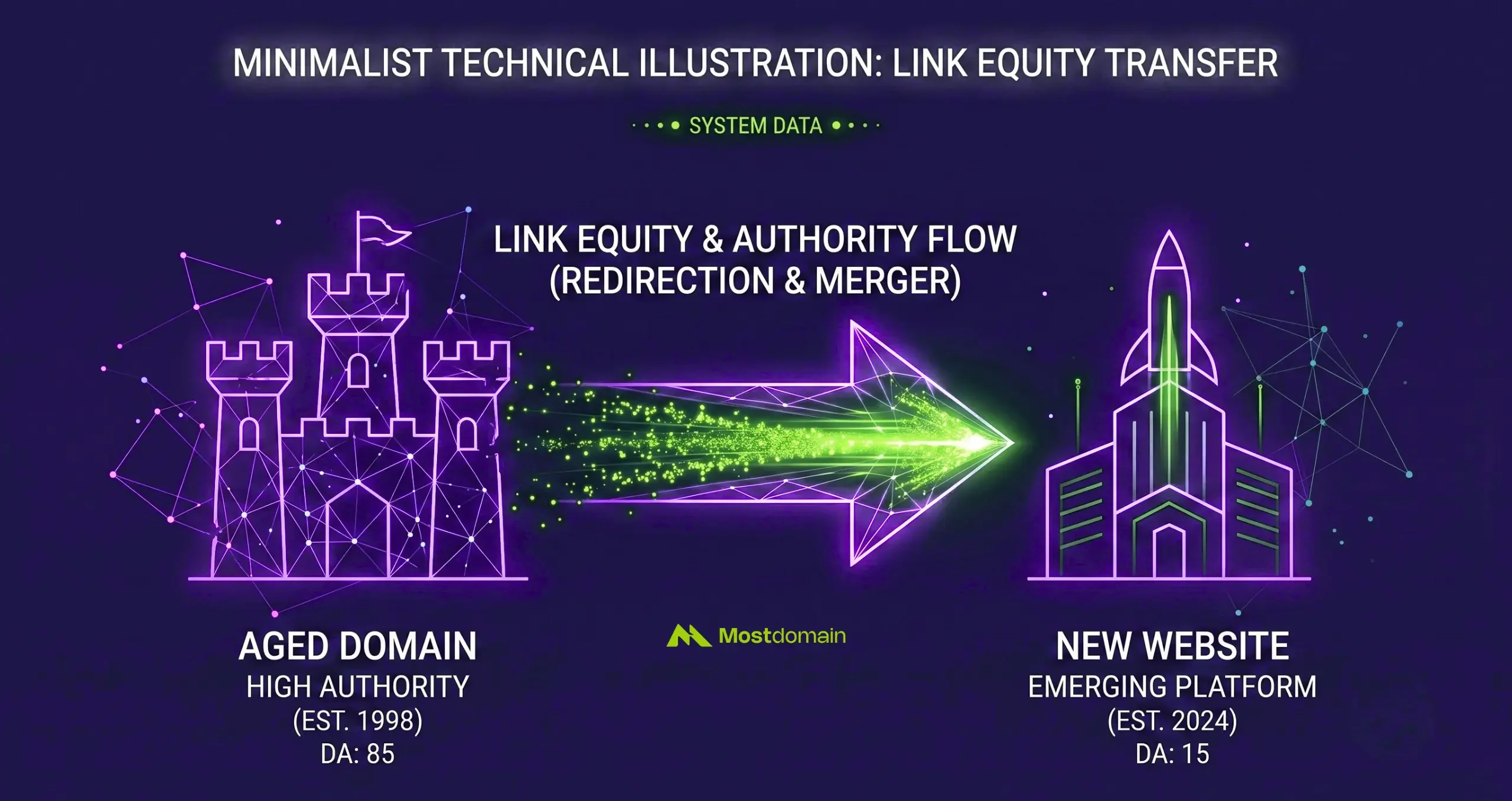
You redirect backlinks from an aged domain by mapping each historic URL. Mapping the historic URL that still carries a live external link to the single most relevant page on your target site, then applying a 301 at that exact path instead of pointing the whole domain at your homepage. Done at the page level, most of the accumulated authority follows the link. Done at the domain level, a lot of it just evaporates.
This guide assumes the domain is already bought and already vetted. If you are still deciding whether a specific listing is worth the price, that is a due diligence question, not a redirect question.
What follows is narrower and more mechanical: once the domain is yours, how do you actually move its backlink equity into a site you already run without wasting it, and without tripping anything Google now watches for.
The Real Decision Before You Touch a Single Redirect
Redirecting only makes sense once you have ruled out building directly on the domain, because the two paths route the same equity through completely different mechanics.
Building on the domain lets every new page you publish inherit trust immediately, no forwarding required. Redirecting sends that inherited trust somewhere else, usually a site you already operate. Neither is automatically better. It depends on what you already have.
| Your situation | Better path | Why |
| You have no existing site in this niche | Build on the domain | Nothing to redirect equity toward yet |
| You run an established site and want to reinforce it | Redirect to the existing site | Consolidates authority instead of splitting it |
| The domain’s backlinks are broad and generic | Either works, lean build | Weak topical signal to transfer |
| The domain’s backlinks are tightly niche-relevant | Redirect | Concentrated relevance is wasted if left standalone on a slow-growing new project |
A fair number of buyers skip this decision entirely and redirect by default because it feels like the safer, faster move. Sometimes it is. But if the domain has enough standalone potential, forwarding it away can mean giving up a site that could have ranked on its own.

Audit Which Backlinks Are Actually Still Alive
A backlink audit for redirect purposes has one job: confirm which links are still live and pointing somewhere real, because redirecting a dead link transfers nothing.
Domain age metrics from a marketplace listing describe the domain’s history. They do not confirm what is currently linking to it. Ahrefs crawled over two million domains going back to 2013. And they found that at least 66.5 percent of the links pointing to those sites over that nine year window had died.
Pages get deleted, sites shut down, content gets rewritten without the old link. None of that shows up in a domain’s headline authority score.




Before mapping anything, pull the live backlink report (not the historical one) and check three things for each link that matters:
Is the Linking Page Still Indexed
A link on a page Google no longer crawls or indexes is not passing anything, regardless of what the domain’s aggregate metrics claim.
Is the Link Still Pointing at Your Domain
Some links get edited, replaced with a competitor, or quietly removed during a site redesign. This happens more often on older content than most people expect.
Does the Referring Page Still Carry Its Own Authority
A link from a page that has itself lost most of its backlinks is worth far less than the domain-level number suggests.
Only links that clear all three are worth building a redirect around. Everything else is noise you would otherwise be redirecting for no return.
Build a Page Level Redirect Map, Not a Domain Level One
The map that actually preserves value is built one URL at a time, matching each surviving backlink to its closest equivalent on the new site, never all of them funneled into a single homepage redirect.
A blanket redirect, sending every old URL to the new domain’s root, is the single fastest way to waste an aged domain’s backlink equity. Search engines evaluate relevance between the old page and the new destination, and a homepage rarely matches the specific topic a historic backlink was pointing at.
A working map looks closer to this:
| Old URL on the aged domain | What linked to it | New destination |
| /guide-to-organic-skincare/ | 14 referring domains, niche beauty blogs | /organic-skincare-guide/ (closest topical match) |
| /best-serums-2019/ | 6 referring domains, mostly directories | /serums/ category page |
| /contact/ | 2 low-value directory links | Not worth mapping, skip or redirect to homepage |
| /about-us/ | 0 external links | Skip entirely |
Not every old URL deserves a redirect. Pages with no surviving external links add nothing and just bloat your redirect file. Focus effort on the ones carrying live, relevant links, and let the rest quietly disappear.
Keep Topical Relevance Between Old Links and New Pages
Relevance is what determines whether a transferred backlink still counts for something or gets treated as noise, and it is judged by matching the old page’s subject to the new page’s subject, not by matching domains.
A backlink pointing to an article about organic skincare was earned in that context. Anchor text, surrounding content, and the linking site’s own topic all reinforced that context. Redirect that URL to an unrelated product page or a general homepage, and the signal that made the link valuable in the first place gets diluted.
A few things worth checking per redirect:
- The new destination should cover the same core topic as the old page, not just a loosely adjacent one
- Anchor text used in the original backlink should still make sense pointing at the new URL
- If no close match exists on the new site, it is often better to build one than to force a mismatch
Set Up the Redirect and Tell Google About the Move
Implementing the redirect itself is a server level task, not a content task, and it needs to happen alongside a formal notice to Google that the domain has changed hands.
This part is deliberately brief here since the mechanics of choosing 301 over other redirect types and configuring them across different platforms are covered in full in our dedicated redirect guide. For an aged domain specifically, two extra steps matter:
- Use Google Search Console. Use GSC Change of Address tool once the redirect is live. Since this is a whole-domain move and not a single page swap
- Keep the old domain’s DNS and hosting active during the transition. A redirect only works if the domain that hosts it is still reachable
How Long Before the Backlink Equity Actually Shows Up
Expect the transfer to unfold over weeks rather than days. With search engines needing repeated crawls of both the old and new URLs before ranking signals fully consolidate.
There is no fixed countdown. Crawl frequency on the aged domain, the authority of the referring pages. And how much of the new site already has its own signals all affect the pace. A domain with a thin crawl history before acquisition tends to move slower. Simply because Google has less reason to revisit it often.
Studies on 301 implementation put the passed authority in the high nineties percent range when the redirect is set up cleanly and the destination is relevant. That figure assumes the mapping work above was actually done. A lazy homepage-only redirect does not get anywhere near it.
Where Google Draws the Line on Aged Domain Redirects
Google treats a redirect from an aged domain as defensible when the destination shares real topical ground with the domain’s original use, and treats it as expired domain abuse when the only purpose is borrowing authority for something unrelated.
This is the part most redirect guides skip, and it matters more now than it used to. Google’s spam policies define expired domain abuse as buying a previously used domain and repurposing it mainly to manipulate rankings with content that offers little value to users.
The illustrative examples in Google’s own documentation are blunt:
- Affiliate content dropped onto a former government site
- Unrelated commercial pages on a domain that used to belong to a nonprofit.
The practical test that separates a defensible redirect from a risky one comes down to topical alignment. A redirect from a domain that shares your niche is generally treated as a reasonable business move.
A redirect from a domain with no relationship to your destination, done purely to borrow its authority, is exactly the pattern enforcement is built to catch. This is not a new rule bolted onto older policy. It has applied since the category was formally introduced in 2024, and recent enforcement rounds have been sharpening detection rather than expanding the definition.
None of this means aged domain redirects are risky by default. It means the relevance work described earlier in this guide is not just an SEO nicety. It is also the thing that keeps the redirect on the right side of policy.
Mistakes That Waste an Aged Domain’s Backlink Equity
The costliest mistakes are almost never technical, they are decisions made before the redirect ever goes live.
Redirecting Everything to the Homepage
This is the default in most cheap redirect setups and it is also the fastest way to flatten relevance across dozens of previously distinct backlinks.
Skipping the Live Link Check
Building a beautiful redirect map around links that already died months ago accomplishes nothing except extra maintenance.
Stacking Multiple Unrelated Domains Into One Target
Redirecting several aged domains from different niches into a single site creates the kind of footprint that draws scrutiny, even when each individual redirect looks fine on its own. If you are consolidating more than one property, our guide on merging multiple sites into one aged domain walks through how to do that without creating that pattern.
Letting the Map Go Stale
Sites restructure. A redirect pointed at a page that later gets deleted or moved just becomes a second broken link, quietly undoing the work already done.
FAQ
Does redirecting an aged domain still work if I only have a handful of backlinks
Yes, though the payoff scales with quality more than quantity. A domain with 8 highly relevant, live backlinks can transfer more usable equity than one with 80 generic directory links.
Should I redirect subdomains and www variants too
Any variant that has its own indexed history and its own backlinks needs its own redirect rule. Skipping them leaves equity stranded on a version of the domain nobody is pointing anywhere.
What happens to the backlinks that were never mapped
They stay pointed at whatever the old URL now resolves to, which without a mapped redirect is usually a 404 or a generic homepage bounce. Either way, that portion of the equity is effectively lost.
Can I redirect an aged domain to a page instead of the homepage of my main site
Yes. And for anything beyond a handful of URLs this is almost always the better approach. A single domain-wide redirect to the homepage is only reasonable when very few, low-value links are involved.
Is there a risk in waiting several months before setting up the redirect
The main risk is more link rot happening in the meantime. Since a meaningful share of backlinks naturally disappear year over year, delaying the audit and redirect gives more of them time to die before you ever capture the value.
Do redirected backlinks pass the same weight as a fresh, direct link would
Not quite. A cleanly executed 301 passes the large majority of the original signal, but a small amount is typically lost in the transfer regardless of how well it is configured.
References
- Google Search Central, Spam Policies for Google Web Search
- Ahrefs, Link Rot Study on Domain Link Decay
- Dynadot Blog, Expired Domains After Google’s Spam Update Guidance