
Mostdomain – So you’ve got a new domain. Good start. What to do after buying a domain name matters more than the purchase itself. The next few steps decide whether that domain becomes a real website. Or just sits parked, doing nothing.
What Should You Do Right After Buying a Domain Name?
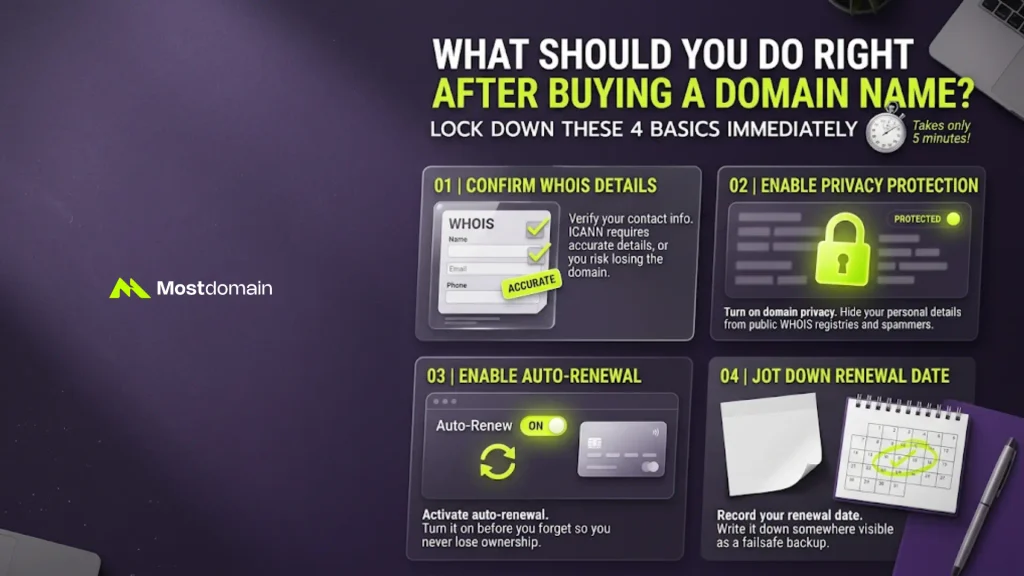
Right after buying a domain, lock down four basics. Contact details, privacy, auto-renewal, and your renewal date.
- Confirm your WHOIS contact details are accurate.
- Turn on domain privacy protection.
- Enable auto-renewal before you forget about it.
- Jot down your renewal date somewhere visible.
These four checks take maybe five minutes, honestly. Skip them and you risk losing the domain outright. It happens more often than people think. ICANN actually requires accurate contact information for every registration. Bought through an aftermarket sale? Confirm the transfer finished properly first. Our guide on registering a domain name walks through that process.
How Do You Connect a New Domain to a Website?
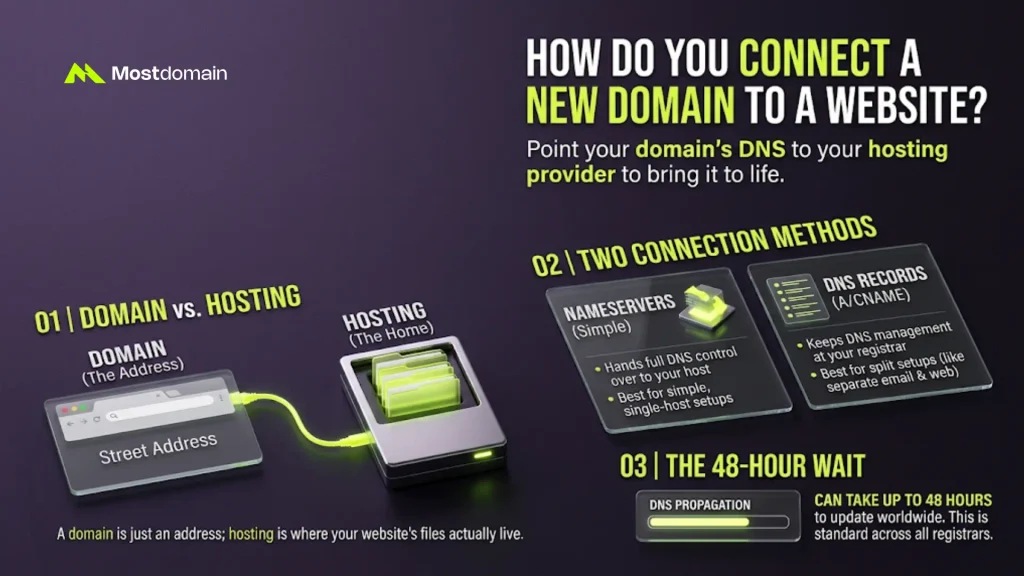
To connect a domain to a website, point its DNS to your hosting provider. Without that step, the domain just sits idle.
Choosing a Web Host
A domain is only an address, not a home for files. Hosting is where your website’s actual files live. Many registrars bundle both together for convenience, which keeps the whole setup simpler. Still confused which is which? Our guide on domain vs. hosting clears it up fast.
Nameservers or DNS Records
You connect a domain through nameservers or DNS records. Nameservers are simpler. DNS records give more granular control.

| Method | What It Actually Does | Best For |
|---|---|---|
| Nameservers | Hands full DNS control over to your host | Simple, single-host setups |
| DNS records (A/CNAME) | Keeps DNS management at your registrar, or Cloudflare | Split setups, like separate email and website providers |
DNS changes can take up to 48 hours to propagate. That’s standard across most registrars. Our DNS management guide covers these records in more depth.
How Do You Set Up Email on Your New Domain?
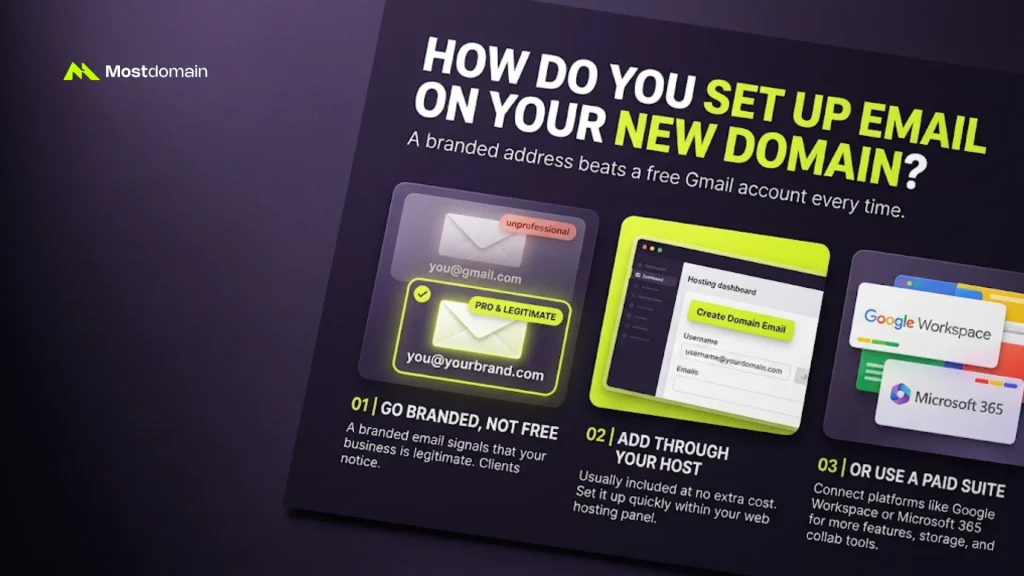
Set up domain email by adding it through your host or Google Workspace. A branded address beats a free Gmail account every time.
- Use something like [email protected] instead of a free address.
- Add email through your hosting panel, usually included at no extra cost.
- Or connect Google Workspace or Microsoft 365 for more features.
A branded email signals that your business is legitimate. Clients notice, even if they don’t say so. Our full walkthrough on creating an email address with your domain covers every provider.



What Should You Do Next Based on Your Website’s Purpose?
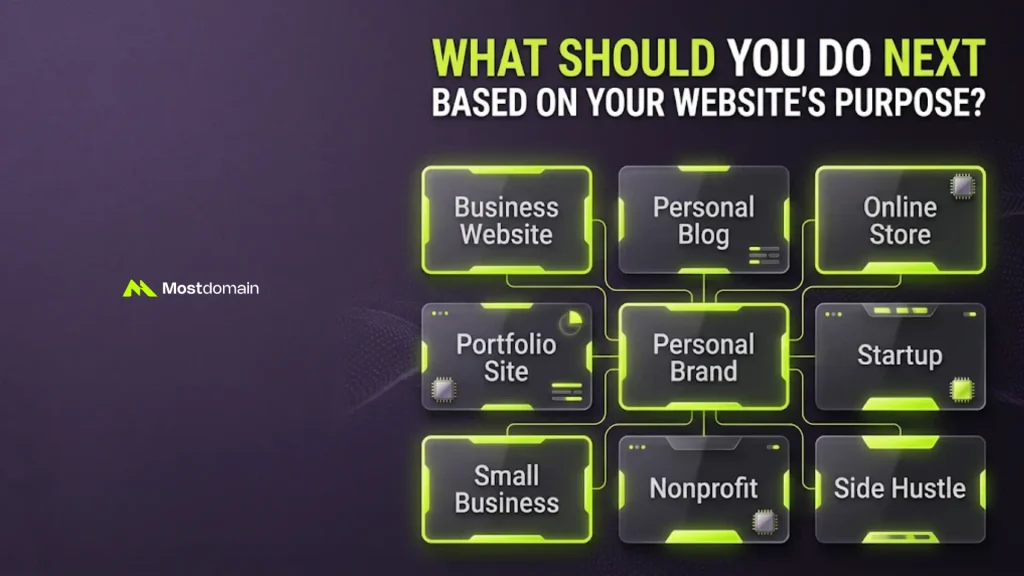
What you do next depends entirely on why you bought the domain. A startup founder and a weekend blogger need different priorities, immediately.
| If your domain is for a… | Your first real move |
|---|---|
| Business website | Hosting, business email, and a Google Business Profile, in that order. |
| Personal blog | Pick WordPress or Ghost, then sketch a rough content calendar. |
| Online store | Ecommerce hosting, like Shopify, plus a working payment gateway. |
| Portfolio site | A simple builder. Lead with your three strongest pieces. |
| Personal brand | Claim the same handle on every platform you actually use. |
| Startup | Run a trademark search before sinking more money into the name. |
| Small business | Local SEO basics: address, phone number, business hours. |
| Nonprofit | Check for nonprofit hosting discounts and a .org option. |
| Side hustle | One page is fine. Something beats nothing, every time. |
How Do You Secure and Optimize a New Domain for SEO?
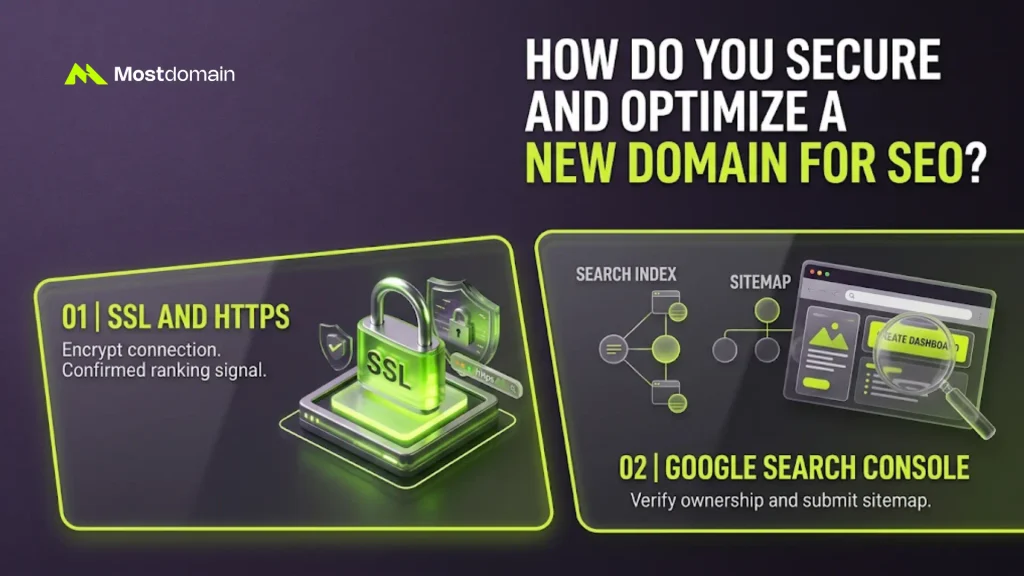
Securing a new domain for SEO starts with SSL and search engine indexing. Both take minutes, and both affect rankings directly.
SSL and HTTPS
SSL encrypts the connection between your site and its visitors. Browsers mark sites without it as not secure, bluntly. Most hosts throw in free SSL automatically these days. Google has confirmed HTTPS as a ranking signal since 2014.
Submitting to Google Search Console
Search Console tells Google your website actually exists. Verify ownership, then submit your sitemap for crawling. Indexing through Search Console often takes days, not weeks.
What’s a Realistic Timeline for These Domain Tasks?
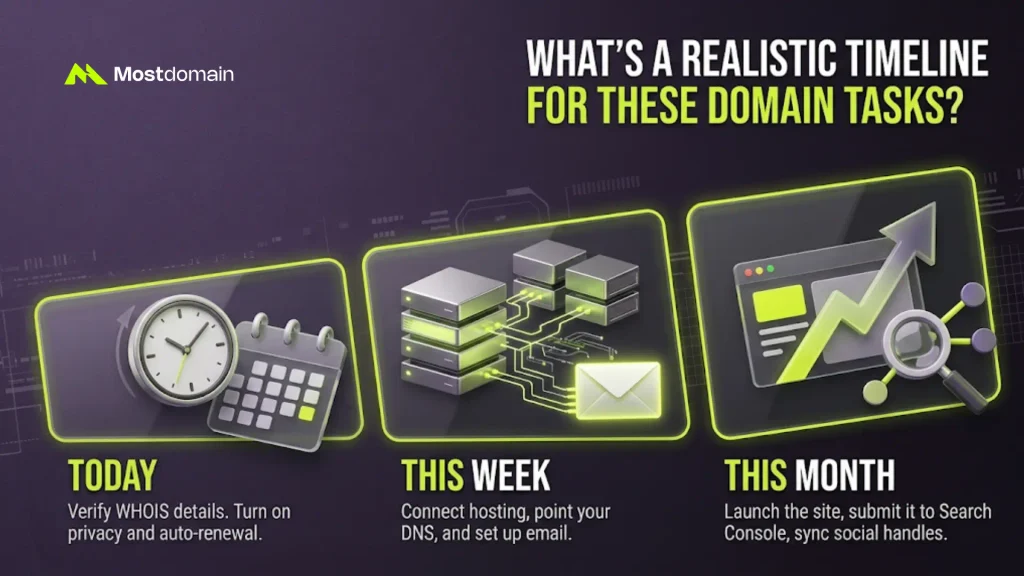
A realistic timeline spreads domain tasks across today, this week, and this month. Trying to do everything on day one usually backfires.
Today
Verify WHOIS details. Turn on privacy and auto-renewal.
This Week
Connect hosting, point your DNS, and set up email.
This Month
Launch the site, submit it to Search Console, sync social handles.
What Mistakes Should You Avoid After Buying a Domain?
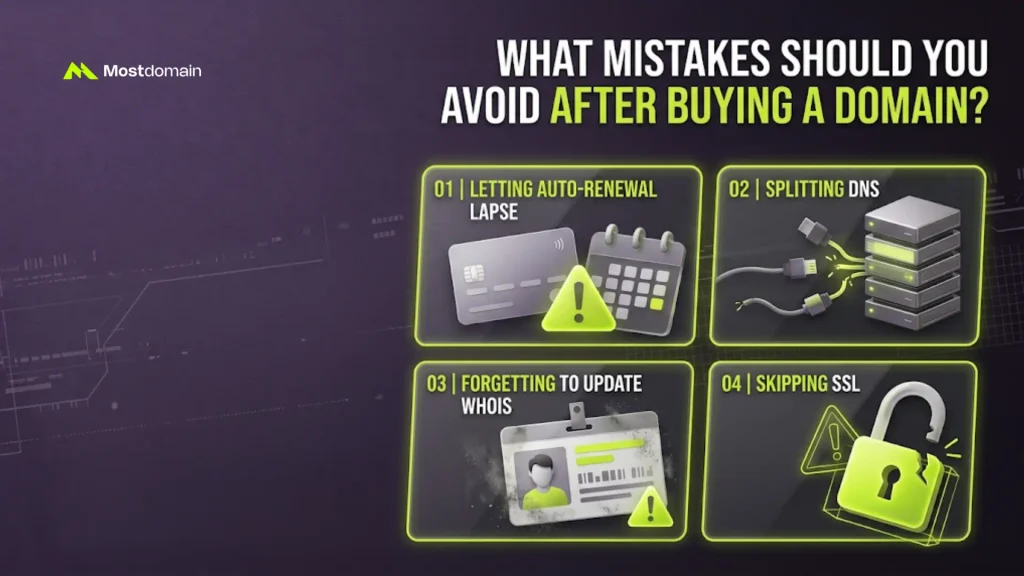
The most common mistakes after buying a domain are easy to avoid entirely. A little attention early on saves real headaches later.
- Letting auto-renewal lapse and losing the domain outright.
- Splitting DNS across two providers by accident. Email delivery usually breaks first.
- Forgetting to update WHOIS after moving or changing providers.
- Skipping SSL, which quietly hurts both trust and rankings.
FAQ
What to do after buying a domain name?
Lock down WHOIS, privacy, and auto-renewal first. Then connect hosting and build from there.
Do you need hosting right away after buying a domain?
Not immediately. You can hold the domain and build later. Hosting is required before launch, though.
How long does setup take after buying a domain?
Basic setup takes under an hour. DNS propagation can add another day or two.
What belongs on a domain registration next-steps checklist?
WHOIS accuracy, privacy, and auto-renewal come first. Hosting, DNS, and email follow right after.
I registered a domain name. Now what?
Same checklist either way. Lock down the account, then connect hosting and email.
References
- ICANN, “Registration Data Directory Services (WHOIS)”
- Google Search Central, “HTTPS as a Ranking Signal”
- Google Search Central, “Introduction to Search Console”