
Mostdomain – Not Secure. Sitting right there in your address bar.
It is Annoying. A bit alarming too, if you’re not expecting it. Almost always, it traces back to SSL, something missing, expired, or half set up. Some visitors bounce instantly. Others just squint at it, unsure what’s actually wrong. Below, every realistic cause, sorted by browser and platform, each one paired with an actual fix.
Why Does My Website Say Not Secure?
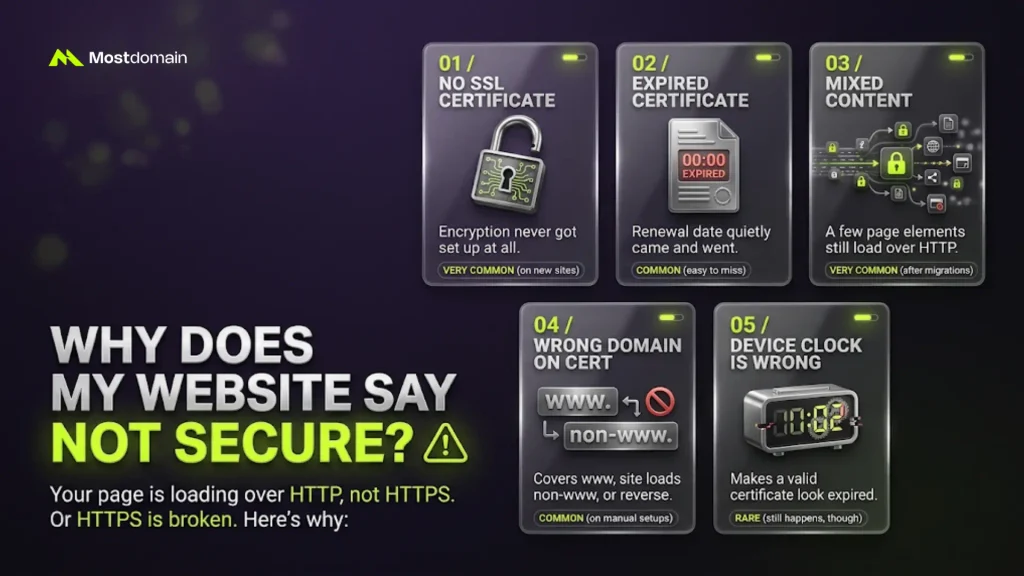
Your page is loading over HTTP, not HTTPS. Or HTTPS exists but something underneath it is broken. Either way, browsers don’t stay quiet about it anymore.
A few causes show up constantly. Here’s the rundown:
| Cause | What’s Actually Happening | How Common |
|---|---|---|
| No SSL certificate | Encryption never got set up at all | Very common, especially on new sites |
| Expired certificate | Renewal date quietly came and went | Common, and easy to miss |
| Mixed content | A few page elements still load over HTTP | Very common after migrations |
| Wrong domain on the cert | Covers www, site loads non-www, or reverse | Common on manual setups |
| Device clock is wrong | Makes a valid certificate look expired | Rare. Still happens, though. |
Why Is My Domain Not Secure in Chrome, Safari, Firefox, and Edge?
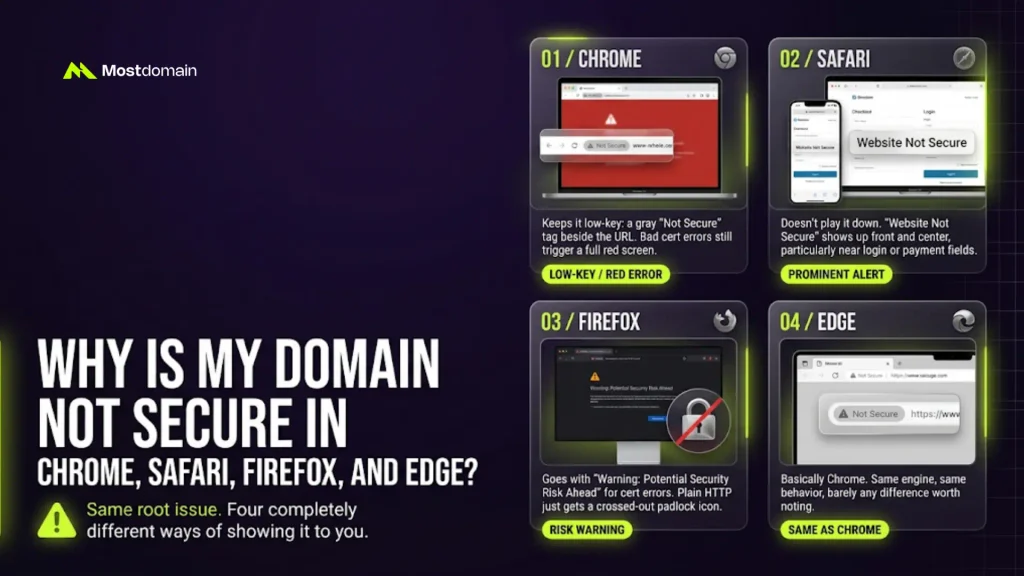
Same root issue. Four completely different ways of showing it to you.
Chrome keeps it low-key: a gray “Not Secure” tag beside the URL. Bad cert errors still trigger a full red screen.

Safari doesn’t play it down at all. “Website Not Secure” shows up front and center, particularly near login or payment fields.
Firefox goes with “Warning: Potential Security Risk Ahead” for cert errors. Plain HTTP just gets a crossed-out padlock icon.
Edge? Basically Chrome. Same engine, same behavior, barely any difference worth noting.




Why Does My Website Say Not Secure Even With SSL Installed?
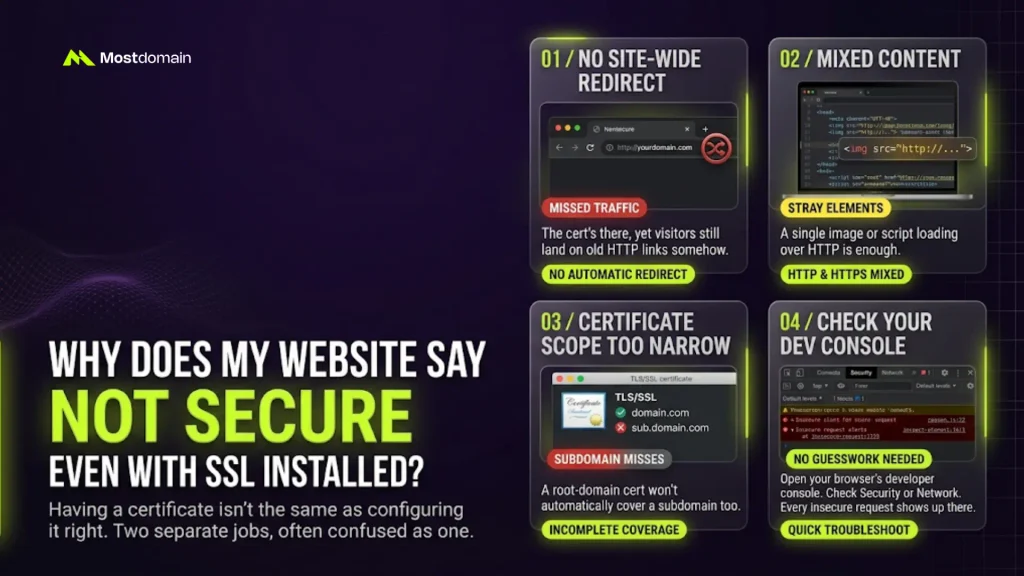
Having a certificate isn’t the same as configuring it right. Two separate jobs, often confused as one.
No site-wide redirect rule. The cert’s there, yet visitors still land on old HTTP links somehow.
Mixed content on one stray page. A single image or script loading over HTTP is enough.
Certificate scope too narrow. A root-domain cert won’t automatically cover a subdomain too.
Open your browser’s developer console. Check Security or Network. Every insecure request shows up there, named and all, no guesswork needed.
Why Is My Website Showing Not Secure on Mobile?
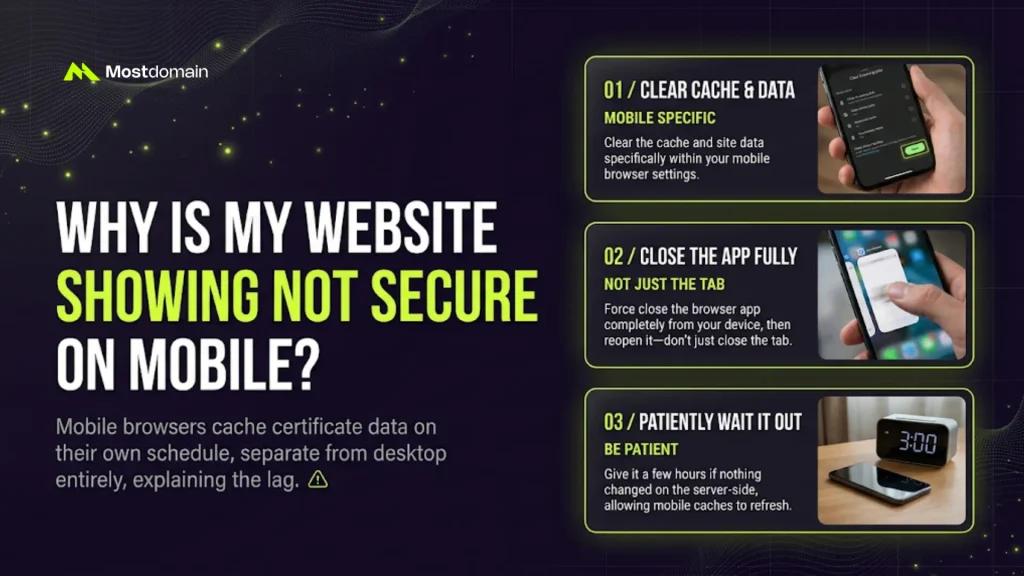
Mobile browsers cache certificate data on their own schedule. Separate from desktop entirely, which explains the lag.
- Clear cache and site data, mobile browser specifically
- Close the app fully. Not just the tab. Reopen it.
- Give it a few hours if nothing changed server-side
Why Does My Website Say Not Secure on WordPress, Shopify, or Wix?

Depends entirely on the platform you’re using. Each handles SSL defaults a bit differently.
| Platform | Likely Cause | Fix |
|---|---|---|
| WordPress | Old HTTP links still sitting in the database | Update site URL, home URL, hardcoded image links |
| Shopify | Custom domain DNS hasn’t fully propagated | Recheck DNS records, then just wait |
| Wix | Domain connection step never actually finished | Reverify the domain in site settings |
How Do I Fix a Not Secure Website Warning?
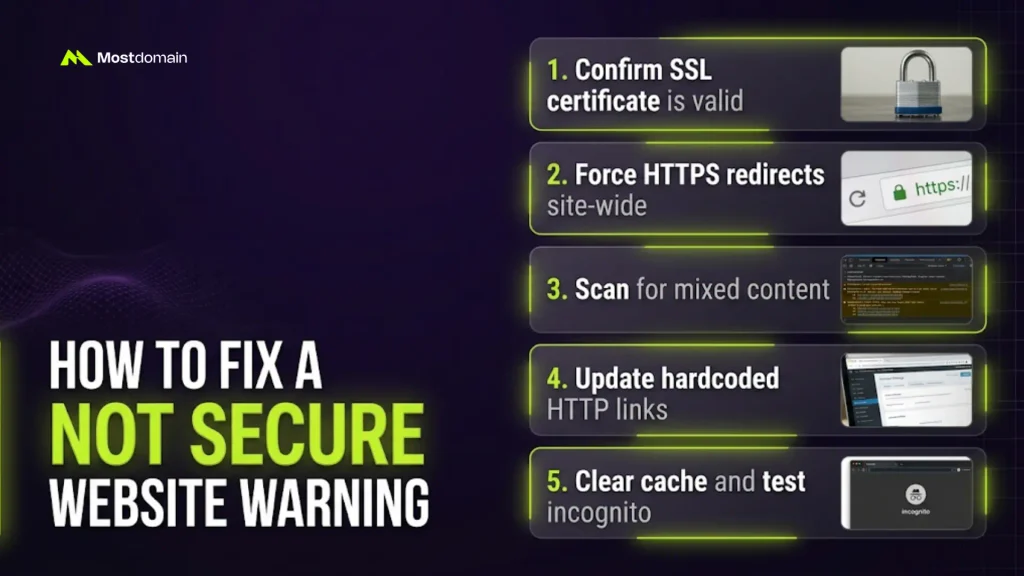
A short checklist, worked through in order. Nothing exotic here, honestly.
- Confirm the SSL certificate is valid and matches your domain
- Force HTTPS redirects across every single page, site-wide
- Scan for mixed content with the developer console
- Update any hardcoded HTTP links in your CMS
- Clear cache, then retest in an incognito window
Most sites clear up by step four. Mixed content’s the one people forget. Every time.
How Do I Make My Website and Domain Secure for Good?
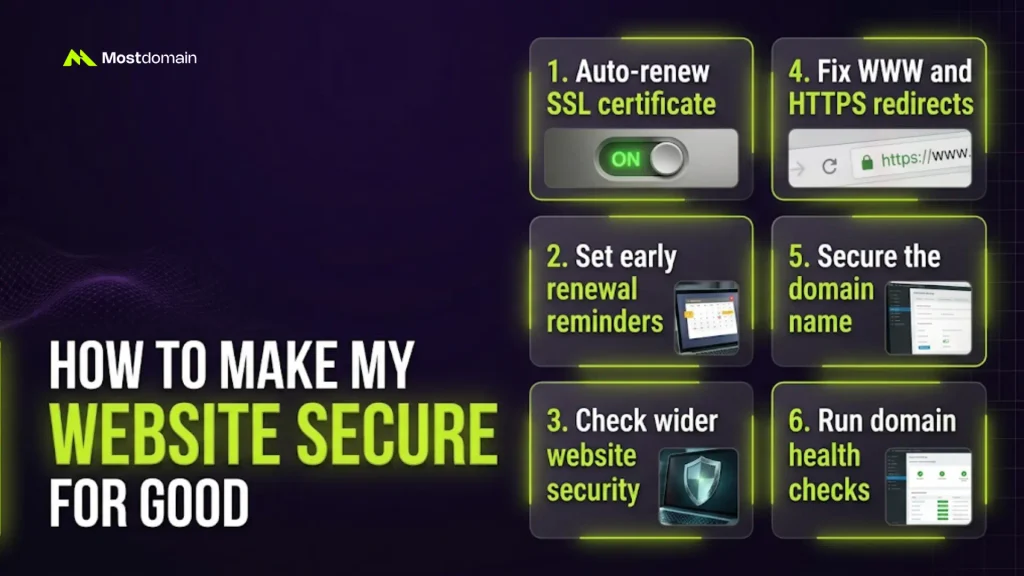
A fix that doesn’t last isn’t really a fix. A few habits make this permanent.
- Auto-renew the SSL certificate. Not just the domain itself.
- Set a reminder, well before any manual renewal date
- Check your wider website security measures, since SSL alone isn’t the full picture
- Know how the difference between WWW and HTTPS shapes your redirects
- Secure the domain name too. A hijacked domain skips SSL entirely.
Worth knowing, too: where domain and hosting responsibilities actually split. Run a full domain health check alongside any SSL fix. WHOIS and DNS issues tend to hide nearby.
How Is “Not Secure” Different From Other Browser Warnings?
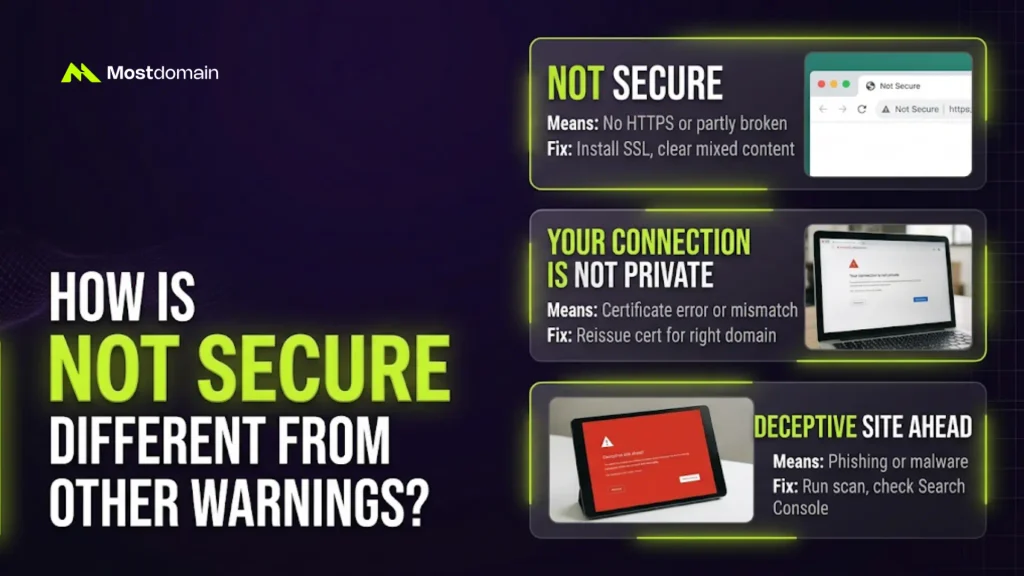
Not every browser warning means the same thing. Mix them up, chase the wrong fix.
| Warning | What It Means | Typical Fix |
|---|---|---|
| Not Secure | No HTTPS, or HTTPS partly broken | Install or repair SSL, clear mixed content |
| Your connection is not private | Certificate error or mismatch | Reissue the cert for the right domain |
| Deceptive site ahead | Flagged for phishing or malware | Run a scan, check Search Console next |
FAQ
How do I fix a not secure warning fast?
Start with the certificate. Then force HTTPS, hunt down mixed content after.
How do I remove the not secure warning for good?
Fix it once. Turn on auto-renewal right after. Skip that, it just returns.
How do I make my website secure?
Valid cert. HTTPS forced everywhere. Every page element loading securely, no exceptions.
How do I make my domain secure, separate from the site?
Lock it against unauthorized transfers. Strong registrar login. Current WHOIS details, always.
Does a not secure warning actually hurt SEO?
Indirectly, yes. Google favors HTTPS. Visitors bouncing from the warning doesn’t help either.
Is a not secure site genuinely dangerous to visit?
Plain HTTP’s usually just unencrypted, not malicious. Certificate errors deserve more caution, though.
References
- Google Chrome Help, Why You Are Seeing a Not Secure Warning
- Mozilla Support, Warning: Potential Security Risk Ahead
- Apple Support, Website Not Secure Warning in Safari
- Cloudflare Learning Center, What Is Mixed Content
- Let’s Encrypt Documentation, Certificate Renewal and Expiration