Fifteen checks stand between you and a domain purchase you might regret. Ownership, history, price, transfer readiness. Each needs a look before any money changes hands.
This checklist covers all fifteen, in the order that actually matters.
Key Takeaways of Domain Buying Checklist
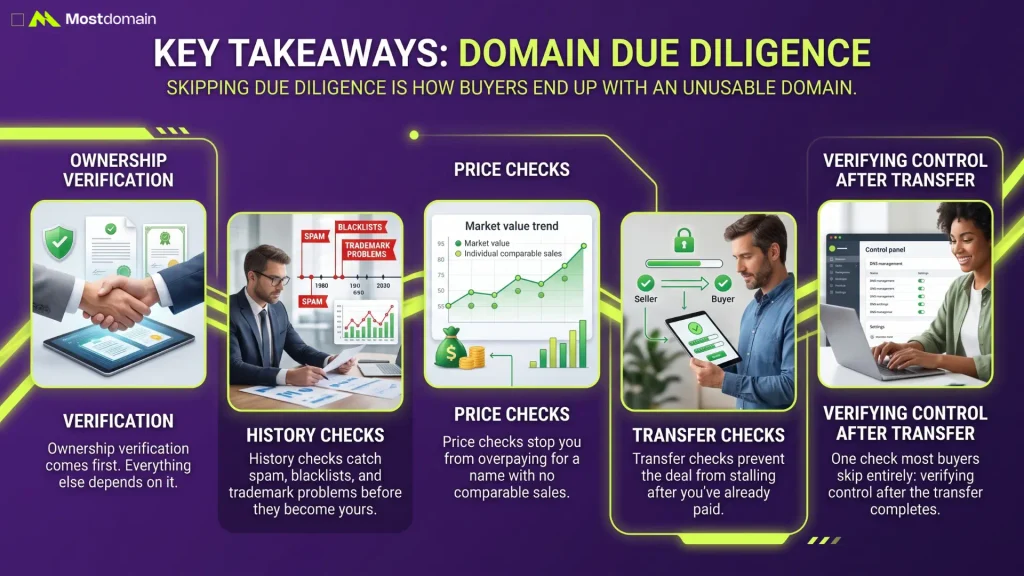
Skipping due diligence is how buyers end up with an unusable domain.
- Ownership verification comes first. Everything else depends on it.
- History checks catch spam, blacklists, and trademark problems before they become yours.
- Price checks stop you from overpaying for a name with no comparable sales.
- Transfer checks prevent the deal from stalling after you’ve already paid.
- One check most buyers skip entirely: verifying control after the transfer completes.
Why a Domain Buying Checklist Matters
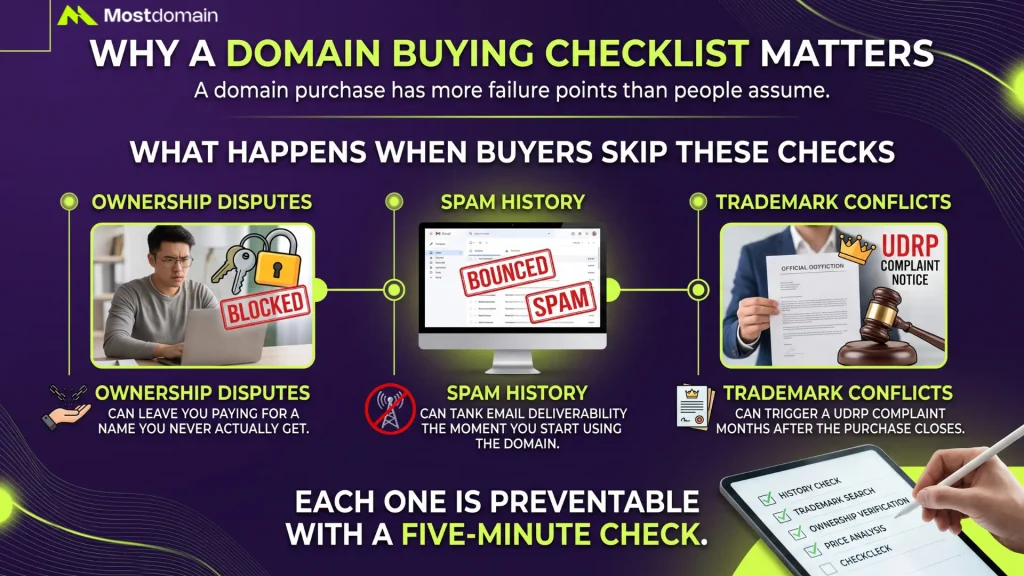
A checklist matters because a domain purchase has more failure points than people assume.
What Happens When Buyers Skip These Checks
Skipped checks tend to surface as expensive surprises, usually after payment.
- Ownership disputes can leave you paying for a name you never actually get.
- Spam history can tank email deliverability the moment you start using the domain.
- Trademark conflicts can trigger a UDRP complaint months after the purchase closes.
- None of these are common, but each one is preventable with a five-minute check.
Ownership and Legal Checks
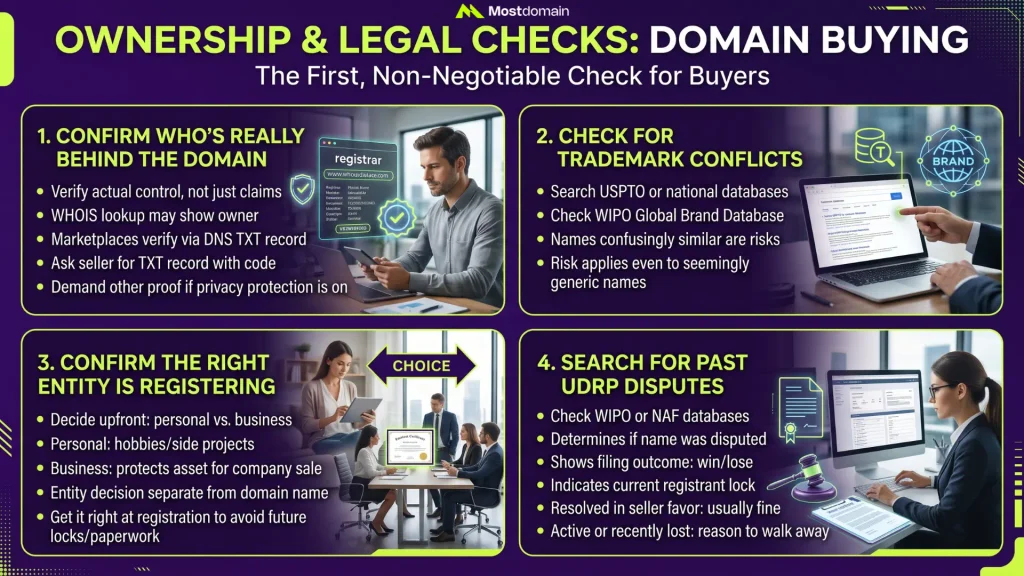
Confirming who actually owns the domain is the first, non-negotiable check on this list.

1. Confirm Who’s Really Behind the Domain
Confirming actual control comes first. A claim of ownership isn’t the same thing.
- A WHOIS lookup often reveals the owner, unless privacy protection is in the way.
- Some marketplaces verify ownership through a DNS TXT record. Look for that badge.
- Ask the seller to add a TXT record with a code you provide.
- If privacy protection is on, ask the seller to prove control another way.
2. Check for Trademark Conflicts
A name that copies someone’s trademark can be taken away after you buy it.
- Search the USPTO database, or your country’s equivalent, before offering.
- Also check WIPO’s Global Brand Database for international trademark coverage.
- A name identical or confusingly similar to a known brand is a real risk.
- This risk applies even if the name feels generic to you personally.
3. Confirm the Right Entity Is Registering
Decide upfront whether the domain should sit under your name or your business.



- A personal name works fine for a hobby project or side site.
- A business entity protects the asset if you ever sell the company.
- Some buyers ask whether a domain name should mention an LLC directly. Registering under one is a separate decision from naming.
- Get this right at registration. Changing it later adds paperwork and, sometimes, a lock.
4. Search for Past UDRP Disputes
A domain with a UDRP history carries baggage you should know about upfront.
| Check | Where to look | What it tells you |
| Past UDRP filings | WIPO or NAF case databases | Whether the name was ever disputed |
| Filing outcome | The same case record | Whether the previous owner won or lost |
| Current registrant lock | Registrar account or RDAP | Whether a dispute is still active |
- A resolved dispute in the seller’s favor is usually fine.
- An active or recently lost dispute is a reason to walk away.
Domain History and Reputation Checks
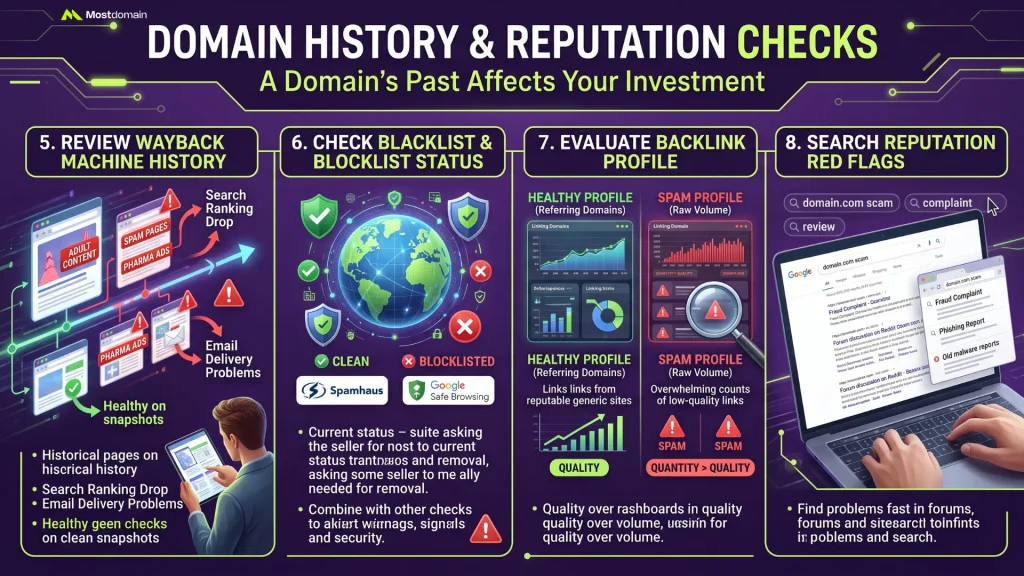
A domain’s past use can follow you, so check its history before you pay.
5. Review the Domain’s Wayback Machine History
The Wayback Machine shows what a domain hosted, going back years in most cases.
- Look for adult content, spam pages, or pharmaceutical ads in past snapshots.
- A history like that can hurt search rankings and email delivery for years.
- Gaps in the archive aren’t automatically bad, but they’re worth asking the seller about.
- Compare the domain’s stated purpose to what it actually hosted before.
6. Check Blacklist and Blocklist Status
A blacklisted domain can land your emails in spam before you send anything.
- Check Spamhaus and Google Safe Browsing for the domain’s current status.
- A clean check today doesn’t guarantee a clean history. Combine this with the Wayback check.
- Currently blocklisted? Ask the seller for a removal timeline.
- Some blocklist issues clear naturally once a domain changes hands and content changes.
7. Evaluate the Backlink Profile, Not Just the Count
A large backlink count means little if most of those links are spam.
- Pull the backlink report from Ahrefs, Moz, or a similar current tool.
- Plenty of older guides still point people to Google’s PageRank toolbar. Gone since 2016.
- Referring domain quality tells you more than raw link volume ever will.
- A thin, spammy link profile can be a liability, not an asset.
8. Search for Reputation Red Flags
A quick search for the domain plus “scam” or “review” surfaces problems fast.
- Try searching the bare name next to words like scam, fraud, or complaint.
- Check if the name shows up in old phishing or malware reports.
- Reddit and domain forums sometimes flag names with a rough history.
- A clean search here is reassuring, though not a full guarantee on its own.
Price and Transaction Checks
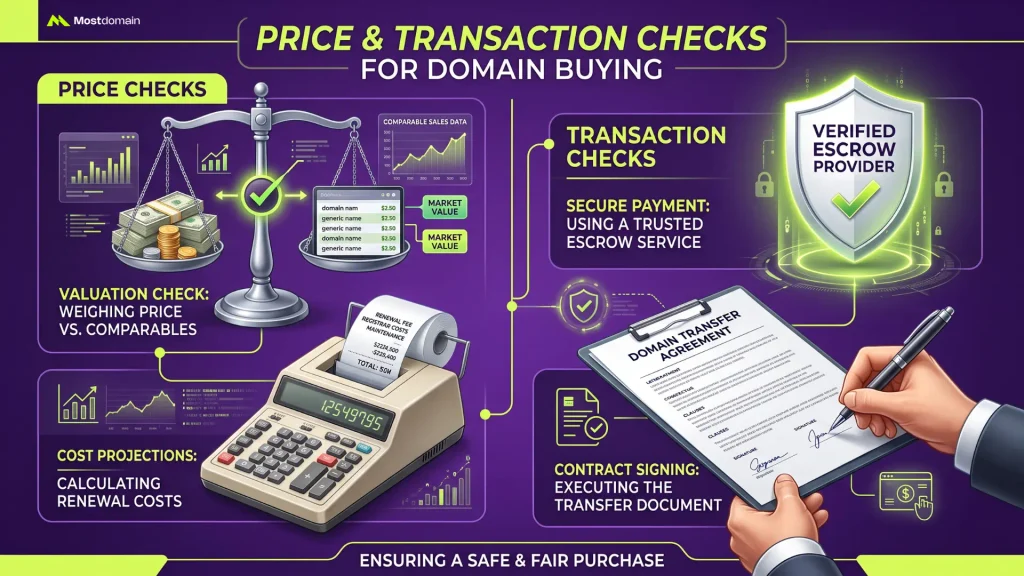
Price checks protect your budget, and transaction checks protect your money during the deal.
9. Weigh the Asking Price Against Comparable Sales
An asking price on its own tells you very little.
- Pull comparable sales data for names with a similar length, extension, and feel.
- Priced way above comparables? That’s your cue to negotiate, or walk.
- Auction fever can push a price well past what comparables suggest. Set a ceiling first.
- Plenty of sellers price high on purpose. They’re expecting you to negotiate.
10. Add Up the True Cost, Renewal Included
The purchase price is rarely the full cost of owning a domain long term.
- Add the annual renewal fee. It can climb once any promotional first year ends.
- Sometimes a seller passes the platform’s commission on to you. Factor that in.
- Privacy protection, and any add-ons you’ll genuinely use, belong in the budget too.
- A low purchase price with a steep renewal fee can still cost more, overall.
11. Confirm the Escrow Provider Is the Real Deal
Fake escrow sites are, honestly, one of the more common scams buyers run into.
- Type the provider’s web address in yourself. Don’t click a link the seller sends.
- Look for a licensed, established name, then skim a few recent independent reviews.
- Match the escrow terms against your actual deal: price, currency, fees, all of it.
- A discount for paying outside escrow? Refuse it. Every single time.
12. Put the Transfer Terms in Writing
Verbal promises about timing tend to crumble once things get stressful.
- Get who’s paying which fee down in writing, before you fund escrow.
- Settle on a transfer deadline, and what happens if that date slips.
- Where you can, keep the whole conversation inside the platform or escrow service.
- That written record is exactly what protects you if a dispute comes up later.
Transfer Readiness Checks
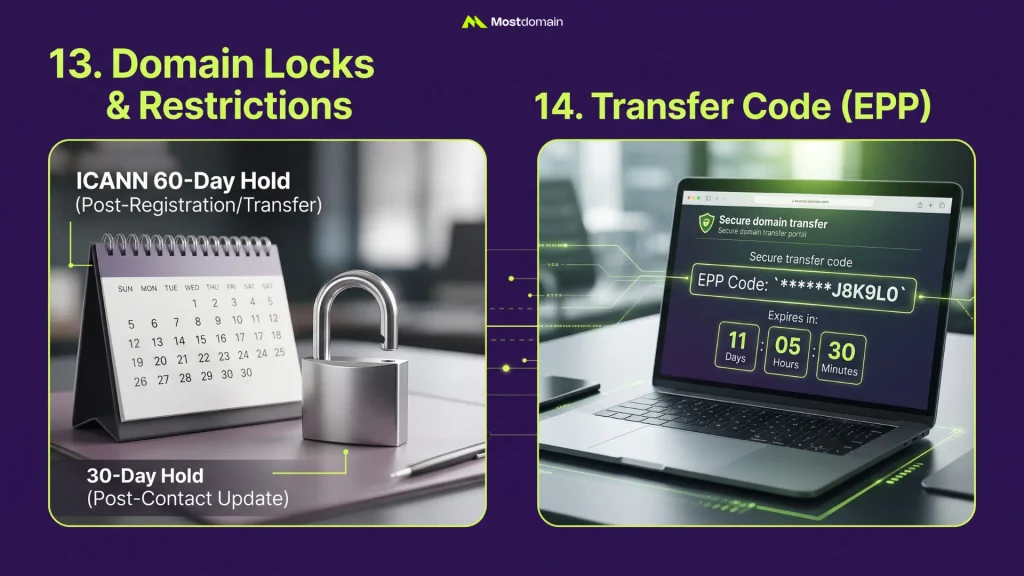
A domain that looks ready to buy can still stall at transfer time.
13. Confirm the Domain Isn’t Locked or Restricted
Locks and timing windows are the most common reasons a transfer gets rejected.
- ICANN restricts transfers within 60 days of registration or a previous transfer.
- A registrant information change can also trigger a separate 30-day hold in some cases.
- ICANN approved 47 transfer policy updates in June 2026, though rollout is still pending.
- Ask the seller directly whether any of these windows currently apply.
14. Confirm the Seller Can Provide the Transfer Code
Without this code, sometimes called a TAC or EPP code, no transfer can start.
- The seller’s current registrar generates this code, not the marketplace itself.
- Codes often expire within 5 to 14 days, so timing matters here.
- Ask the seller to unlock the domain and pull the code before you pay.
- A seller who stalls on this step is a legitimate reason for concern.
The Check Most Buyers Skip: After the Transfer
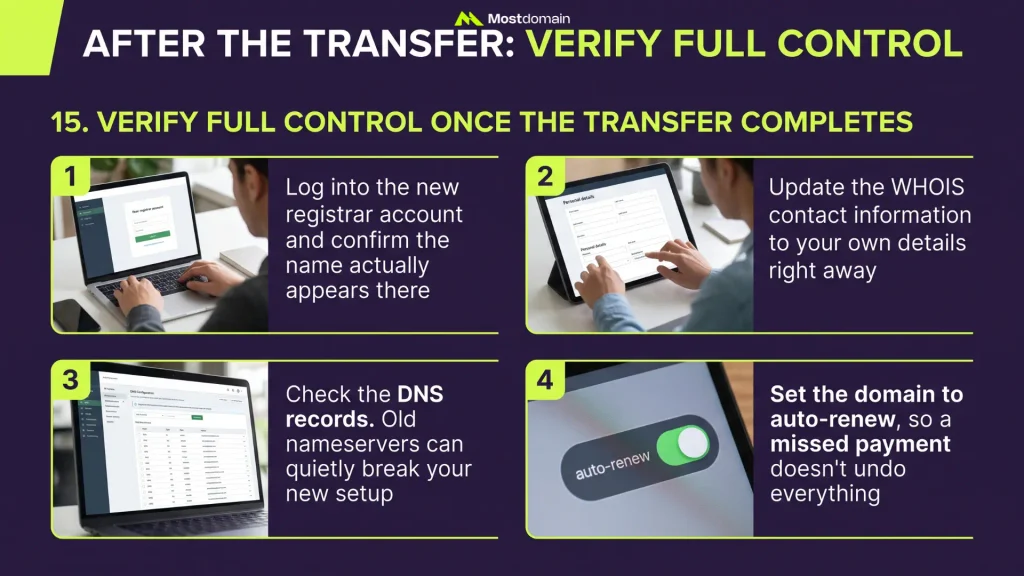
Buyers stop checking once payment clears, but one more step still matters.
15. Verify Full Control Once the Transfer Completes
Confirm you fully control the domain the moment the transfer finishes.
- Log into the new registrar account and confirm the name actually appears there.
- Update the WHOIS contact information to your own details right away.
- Check the DNS records. Old nameservers can quietly break your new setup.
- Set the domain to auto-renew, so a missed payment doesn’t undo everything.
All 15 Checks at a Glance
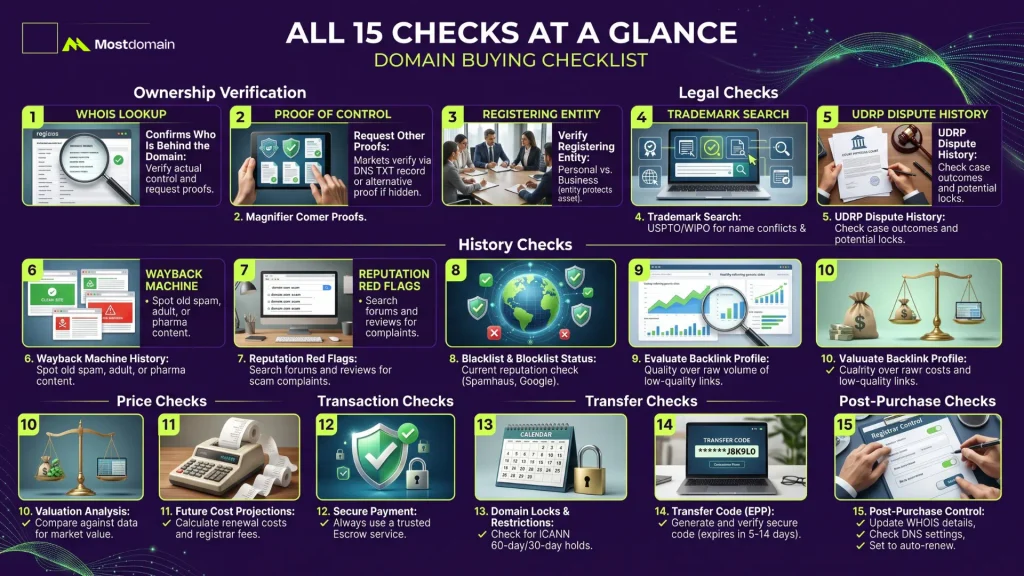
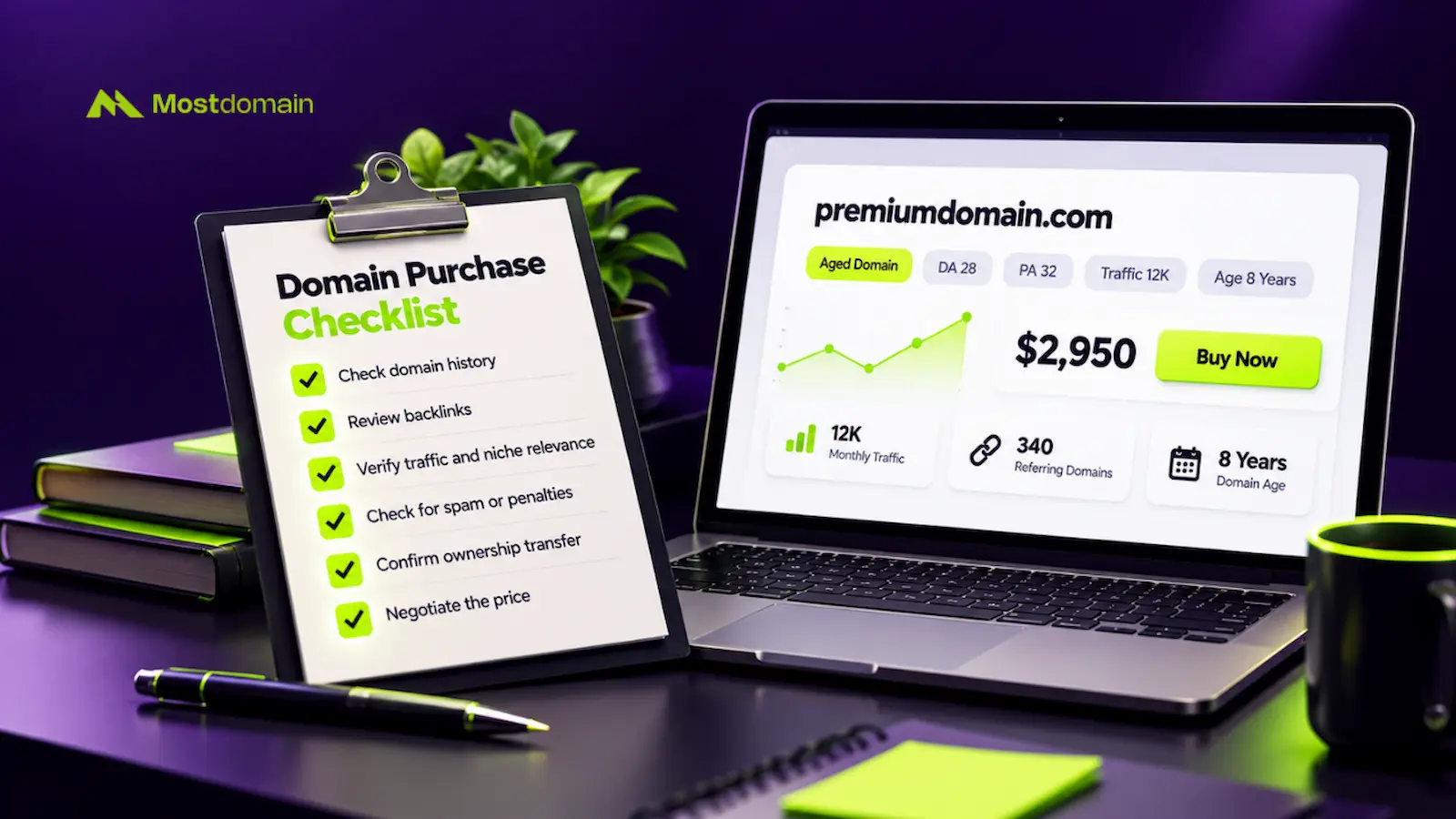
Here’s the full checklist in one place, ready to run through before any purchase.
| # | Check | Category |
| 1 | Confirm who’s really behind the domain | Ownership |
| 2 | Check for trademark conflicts | Legal |
| 3 | Confirm the right entity is registering | Legal |
| 4 | Search for past UDRP disputes | Legal |
| 5 | Review the Wayback Machine history | History |
| 6 | Check blacklist and blocklist status | History |
| 7 | Evaluate the backlink profile, not just the count | History |
| 8 | Search for reputation red flags | History |
| 9 | Weigh the asking price against comparable sales | Price |
| 10 | Add up the true cost, renewal included | Price |
| 11 | Confirm the escrow provider is the real deal | Transaction |
| 12 | Put the transfer terms in writing | Transaction |
| 13 | Confirm the domain isn’t locked or restricted | Transfer |
| 14 | Confirm the seller can provide the transfer code | Transfer |
| 15 | Verify full control once the transfer completes | Post-purchase |
Does the Checklist Change by Purchase Type?
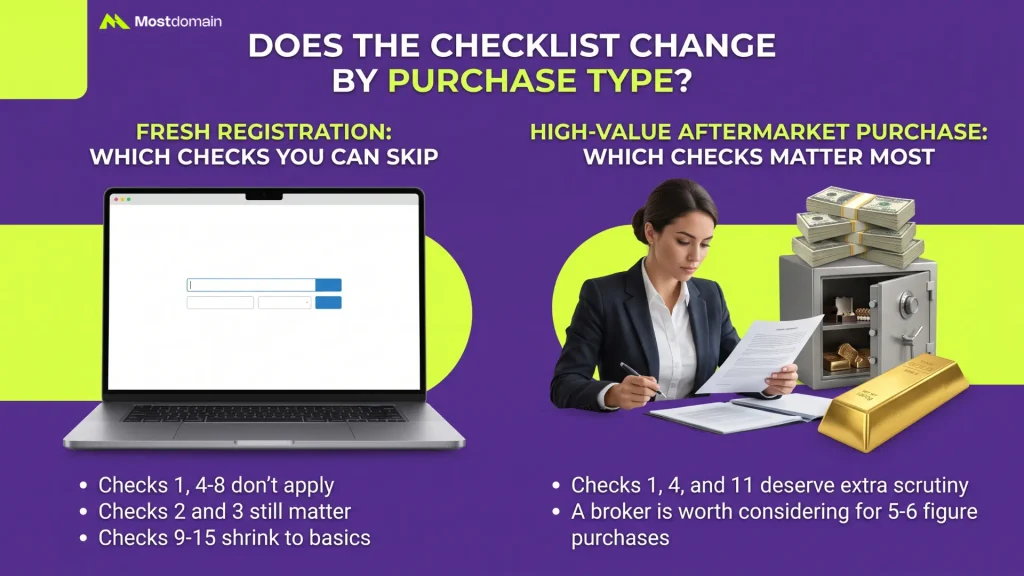
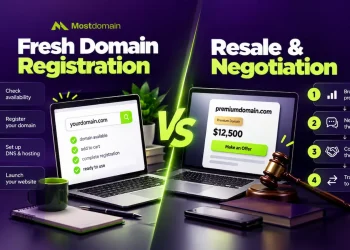
Yes. Some checks matter more for a fresh registration. Others matter more for a resale.
Fresh Registration: Which Checks You Can Skip
A brand-new registration skips most of the ownership and history checks entirely.
- Checks 1, 4, 5, 6, 7, and 8 don’t apply. No prior owner exists.
- Checks 2 and 3 still matter, since trademark risk exists either way.
- Checks 9 through 15 shrink to price, entity, and basic transfer setup.
- Learn the standard process in our registering a domain name guide.
High-Value Aftermarket Purchase: Which Checks Matter Most
Every check on this list matters more as the price climbs.
- Above a few thousand dollars, checks 1, 4, and 11 deserve extra scrutiny.
- For anything reaching five or six figures, a broker is worth considering.
- Read our full explanation of how the domain aftermarket works before a large purchase.
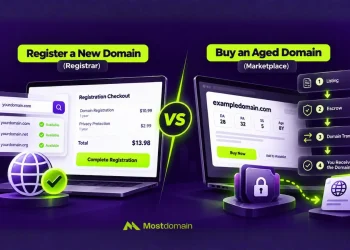
- Compare buying through a registrar versus a marketplace for your specific situation.
FAQ
How long does full due diligence take?
Five to fifteen minutes per check, mostly, and several run in parallel.
- Ownership and history checks can happen alongside the negotiation itself.
- Escrow and transfer checks happen closer to the actual payment date.
- Budget an hour total for a routine purchase, more for high-value names.
Is a domain buying checklist necessary for cheap domains?
Yes, though for cheap names you can move through it quickly.
- Ownership and escrow still matter here, no matter the price tag.
- History checks matter less, though, if existing SEO value isn’t the point.
- Skipping checks entirely, even on cheap names, invites avoidable risk.
What’s the single most important check on this list?
Ownership, hands down. Nothing else on this list matters if the seller doesn’t control the name.
- Payment fraud almost always starts with a seller who lacks real control.
- Every other check assumes ownership is already confirmed.
- This is the one check you should never skip, at any price.
Can I skip escrow for a small purchase?
Technically, yes. It’s rarely worth the risk that introduces, though.
- The fee is usually small next to the protection it buys you.
- Pay directly, and you lose your only recourse if the seller vanishes.
- For genuinely small amounts, some buyers accept the risk. Most shouldn’t.
What if the seller refuses one of these checks?
A seller refusing a reasonable check is, itself, a warning sign.
- Most legitimate sellers have no problem proving ownership or unlocking a name.
- Persistent refusal, especially around ownership or escrow, is a reason to walk away.
- Some pushback on timing is normal. Outright refusal to verify anything isn’t.
Do these checks apply to registry premium domains?
Mostly, yes. Ownership and UDRP checks matter less here, though.
- Registry premium names have no prior owner, so checks 1 and 4 don’t apply.
- Price, entity, and renewal checks still matter just as much.
- Read more about this category in our premium domain names guide.
What should I do if a check fails after I’ve paid?
Move fast, and lean on whatever protection your payment method gives you.
- If you used escrow, contact the provider before releasing any remaining funds.
- Document everything: messages, screenshots, and the specific check that failed.
- For serious fraud, report it to the platform and consider legal advice.
Make This Checklist Routine, Every Single Time
Run this checklist early, before the name has a chance to grow on you.
- A name that feels perfect makes people skip steps they’d otherwise take.
- Print or bookmark the summary table above, and use it every time.
- Fifteen checks take an hour. A bad purchase can cost far more than that.
References
- NiceNIC, Premium Domain Due Diligence Checklist Before You Buy
- Sprintlaw, Before You Buy a Domain: A Due Diligence Checklist for Small Businesses
- DomainIQ, Due Diligence Checklist for Acquiring a High Dollar Value Domain Name
- Name.ai, Domain Buyer Guide
- DomainSherpa, Due Diligence for Domain Names, With Steve Jones
- DomainInvesting.com, Importance of Due Diligence When Buying a Domain Name
- NameSilo, Domain Transfer Rules in 2026: Locks, TAC Codes, and Policies
- NiceNIC, What Is the 60-Day Domain Transfer Lock?
- Wikipedia, Domain aftermarket