An idea for a business with no name attached yet. That’s usually the real starting point for how to search for a domain name, long before anyone opens a checker tool. Confirming whether one specific name happens to be free is a separate problem entirely, one that calls for its own approach.
Two camps tend to cover this topic. One walks through checking a single name, useful only once a name already exists. The other walks through brainstorming, useful but cut off from what a search tool shows in real time. Right in between sits the actual gap: searching, iterating, narrowing things down with whatever tools are already available.
Domain-related topics outside the search process itself don’t belong here. Just where to look, how to widen or tighten that search, and what comes next once something workable turns up.
The Real Difference Between Looking and Confirming
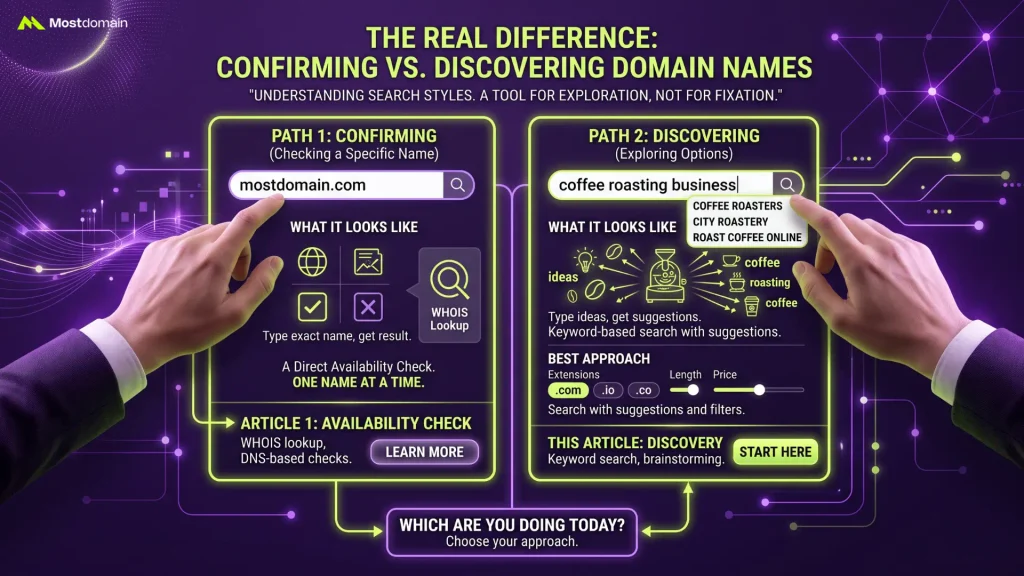
A tool gets used for exploring options, not for confirming one fixed name already in mind. That single distinction changes the entire approach, starting from the very first keystroke.
One Search Style Confirms, the Other Discovers
Time gets wasted on the wrong tool constantly, mostly because one phrase covers two genuinely different tasks.
| Task | What It Looks Like | Best Approach |
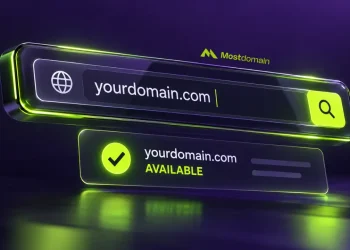
| Checking a specific name | “Is mostdomain.com available?” | A direct availability check, one name at a time |
| Discovering a name | “I need something for a coffee roasting business” | Keyword-based search with suggestions and filters |
How to Check if a Domain Name Is Available covers the first task in full detail, including WHOIS lookups and DNS-based checks. This article covers the second.

Turning One Idea Into a Full Search Strategy
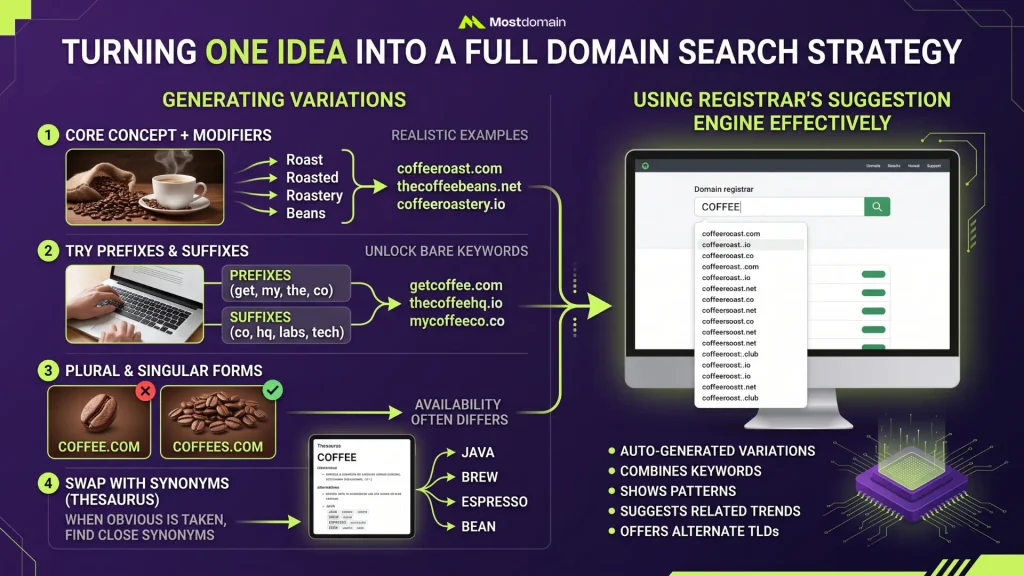
A single word rarely returns a usable result on the first try, so the real skill in searching for a domain name is generating enough variations to actually find something worth registering.
Generating Enough Variations to Actually Work With
- Start with the core concept, then add a relevant modifier: “roast,” “roasted,” “roastery,” or “beans” alongside a coffee business idea
- Try prefixes and suffixes separately: “get,” “my,” “the,” or “co,” “hq,” “labs” tend to unlock names that the bare keyword alone won’t
- Search plural and singular forms of the same word, since availability often differs between them
- When the obvious word is taken, swap in a close synonym instead; keeping a thesaurus open in another tab earns its keep here
Using a Registrar’s Suggestion Engine Effectively
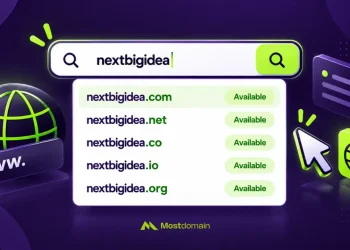
A list of auto-generated suggestions almost always shows up alongside the direct result the moment one keyword goes into a registrar’s search bar, and that list deserves a close read rather than a quick skip. These engines often combine the searched term with common patterns, alternate TLDs, or related words pulled from actual registration trends, turning up options that manual brainstorming alone tends to miss.
What Gets Missed by Sticking to .com Only

Limiting a search to .com alone shrinks the available pool dramatically, so searching across multiple extensions from the start turns up options that a narrower search would miss entirely.




- Most registrar search tools display alternate extensions automatically next to the primary result, no extra step required
- Industry-specific TLDs, .dev for developers, .shop for retail, .app for software, sometimes fit a concept better than a generic .com would anyway
- Bulk checkers let one keyword get tested against dozens of extensions simultaneously, useful for comparing options side by side rather than one search at a time
- A short, brandable name available across several extensions at once is worth noting even before deciding which one to actually register
Narrowing Down a Long List of Results
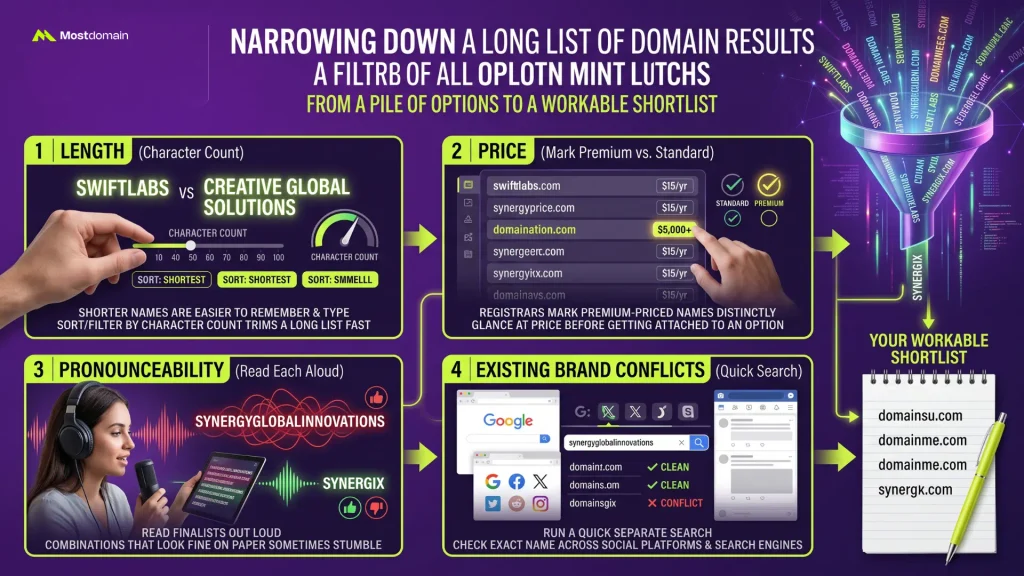
Fifty available options isn’t a finished search, it’s barely the starting point, and filtering that pile down is where an actually workable shortlist comes from.
- Length: shorter names are easier to remember and type, so sorting or filtering by character count trims a long list fast
- Price: registrars mark premium-priced names distinctly from standard ones, worth a glance before getting attached to an option
- Pronounceability: read each finalist out loud, since combinations that look fine on paper sometimes stumble the moment they’re spoken
- Existing brand conflicts: run a quick separate search for the exact name across social platforms and search engines before settling on it, avoiding a clash with something already out there
Searching for a Name Someone Else Already Owns
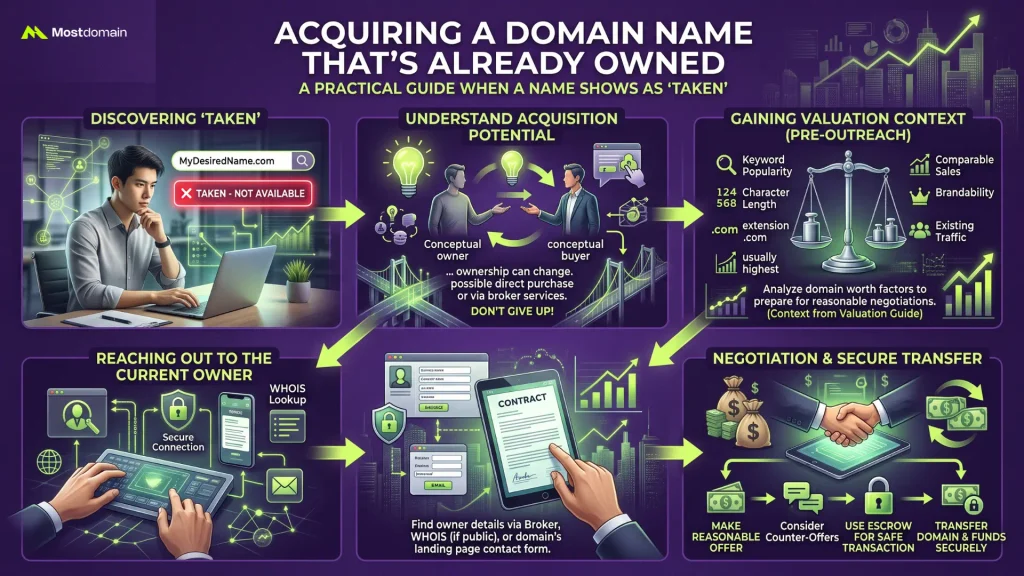
A search returning “taken” isn’t necessarily the end of the road, since a registered domain can sometimes still be acquired directly from whoever currently holds it.
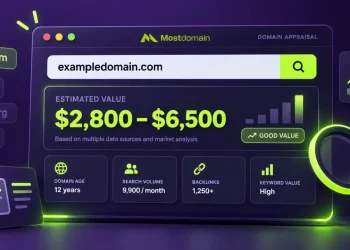
How Much Is My Domain Name Worth covers how buyers and sellers actually arrive at a price for exactly this kind of situation, useful context before reaching out to a current owner about a name that came up taken during a search.
What Turns a Quick Search Into a Slog
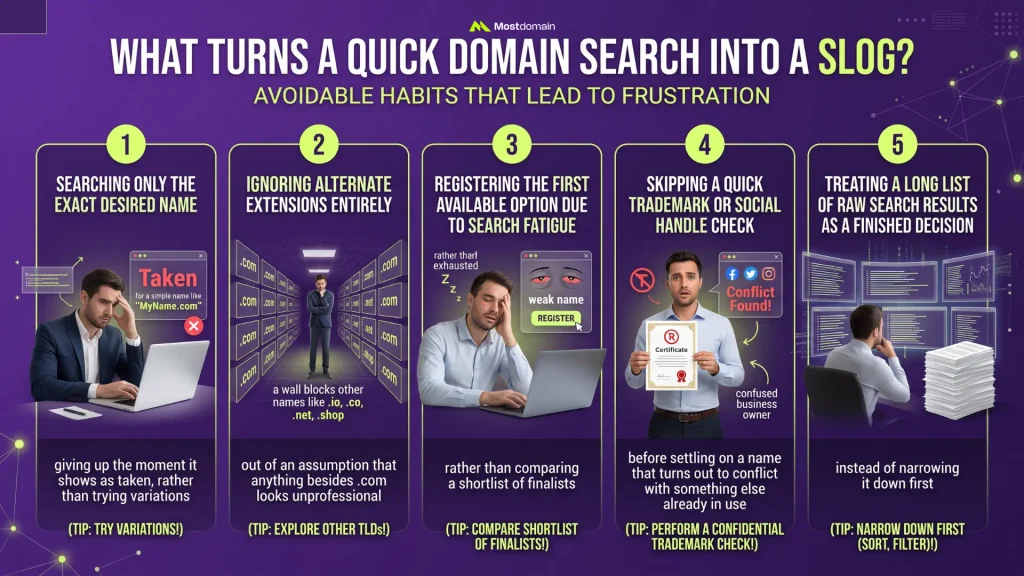
Frustration usually traces back to one of a few avoidable habits, not to the search tools themselves.
- Searching only the exact desired name and giving up the moment it shows as taken, rather than trying variations
- Ignoring alternate extensions entirely out of an assumption that anything besides .com looks unprofessional
- Registering the first available option out of search fatigue, rather than comparing a shortlist of finalists
- Skipping a quick trademark or social handle check before settling on a name that turns out to conflict with something else already in use
- Treating a long list of raw search results as a finished decision instead of narrowing it down first
FAQ
Is there a limit to how many domain names can be searched at once?
No real limit applies to casual use through standard registrar tools. For anyone testing dozens or hundreds of names in a single pass, dedicated bulk checkers exist specifically for that volume.
Does searching for a domain name cost anything?
Nothing at all. Keyword search, suggestion engines, bulk checkers, every method covered here is free. A payment only enters the picture once an actual registration takes place.
Why do some searched names show a much higher price than others?
The registry itself flags certain short, dictionary, or high-demand names as premium, adding a markup well above standard registration pricing regardless of which registrar the search happens to run through.
Can a domain search reveal who currently owns a taken name?
Directly, no, a standard search stays quiet on that. Run a WHOIS lookup on that same name, though, and it often reveals exactly that, assuming the current owner hasn’t turned on privacy protection for the registration.
Is it better to search on a registrar’s site or use a third-party tool?
Both handle basic keyword searches just fine. Registrar sites tend to show real-time pricing right alongside results, while third-party tools sometimes bring richer filtering or bulk options that a registrar’s own search bar leaves out.
References
- Pamela Wilson, How to Search for a Domain Name That Grows Your New Online
- Business TechRadar, How to find out if a domain name is available
- G2, What Is a Domain Name? How It Works (Beginner’s Guide)